Share your model with owners, contractors, and site teams on any device. Nordic BIM Group sets up the Archicad publishing workflow and trains your team and theirs.

Mechelininkatu 23
ArchicadArchitecture
Most of the value in a BIM model lives outside the design team. Contractors price it. Site teams build to it. Owners decide on it. If those people cannot open the model, the model is a stack of PDFs and a screen share. BIMx puts the full model in their hands, with the 2D plans and the 3D linked together.
Plans go out as PDFs. Contractors flip to the page they need, miss the rest and call to ask. The model already has the answer, but no one outside the design team can get to it.


From inside Archicad, save the project as a BIMx hypermodel. The hypermodel bundles your 2D layouts, the 3D model, and the BIM data with hyperlinks across all of them. One file.
Upload to the Graphisoft Model Transfer site for a public link. Embed the BIMx Web Viewer on your own project page. Or share privately to selected recipients on an Archicad subscription.
Recipients open the hypermodel on iPad, phone, Mac, Windows, or in the browser. Walk the building game-style. Tap from 2D to 3D and back. Measure, hide layers, slice the model, and capture issues.
The BIMx hypermodel carries your layouts, your 3D model and the BIM data, with hyperlinks across all three. Drawings and the model stay in sync.
iPad, iPhone, Android, Mac, Windows, web browser and Apple Vision Pro. The same hypermodel opens on all of them. The web version needs no installation.
Recipients walk the building, hide layers, slice through the model, take measurements and capture issues right against the geometry.
Annotations and issues stay with the 2D and 3D views. They are BCF compliant, so they travel back to Archicad and into the rest of the BIM workflow.
Architects publish the BIM model. Everyone else opens it where they actually work. On a site cabin laptop. On the developer's iPad. On a phone in a Teams meeting. BIMx is built around that asymmetry. The architect carries the publishing rights and the BIM authoring depth. The contractor, the owner and the site team get a viewer that needs no training, no extra license and no specialist hardware.
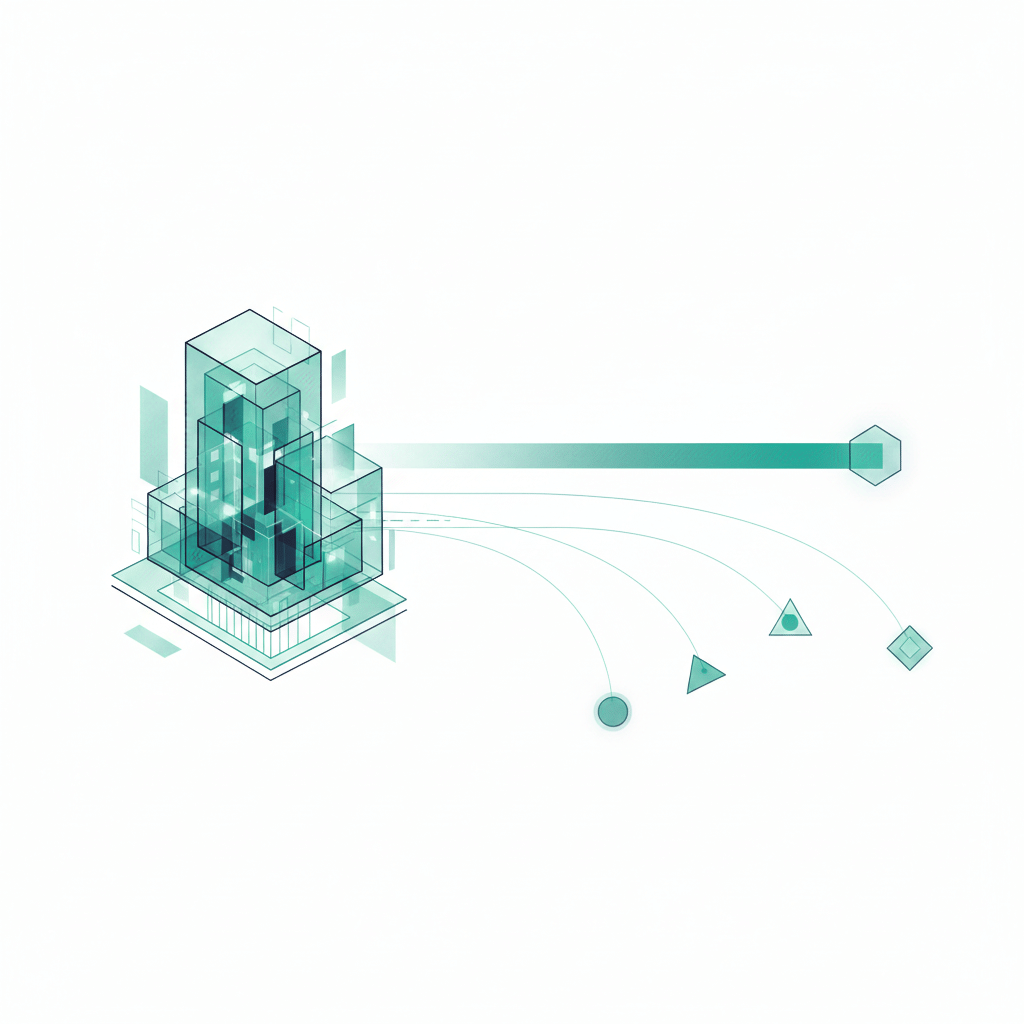

BIMx is part of the Archicad workflow. The hypermodel is published from inside the model in a few clicks. Share it as a public link through the Graphisoft Model Transfer site, embed it on your own website with the BIMx Web Viewer, or invite selected recipients privately on an Archicad subscription.
The free apps cover the base. BIMx Pro features come with Archicad subscriptions on Subscriber, SSA, Forward and Archicad Collaborate plans, and unlock when you sign in with a Graphisoft account. The full Archicad, BIMcloud and BIMx workflow is what Nordic BIM Group sets up, trains and supports across Finland, Norway and Sweden.
BIMx is a free app. The working practice behind it is not. Nordic BIM Group sets up the Archicad publishing workflow, trains your team and your stakeholders and stays with you when the project changes.
We configure Archicad publishing into BIMx against your templates, your BIMcloud project structure and the stakeholders you actually share with. Setting it up once, against the way your team works, is the difference between a working practice and an unused app.

We train the publishing team on hypermodels, hyperlinks, Presenter and Issues. We onboard the receiving stakeholders on how to use a BIMx file at their desk or on site. Finnish, Norwegian, or Swedish, with trainers who know Archicad.
When something needs a real conversation, a local Nordic BIM Group team picks up the phone. Same timezone as the project. Same language as the project. Specialists with decades inside Archicad and the BIMx workflow that runs on top of it.
Mechelininkatu 23

Tampere Art District
Architects across the Nordics publish their work to BIMx every day. The roster of customer stories is growing.