Real-time rendering, walkthroughs, and VR for your Archicad model. Sold and trained by Nordic BIM Group Finland, the local Enscape reseller and training partner.

SKiB campus
Real-time rendering, walkthroughs, and VR for your Archicad model. Sold and trained by Nordic BIM Group Finland, the local Enscape reseller and training partner.
Architects make decisions inside a model the client cannot always read. Plans, sections, and axonometrics ask the client to translate. Rendering used to be the answer, until rendering meant overnight runs and a separate workstream. Enscape closes that gap. Real-time rendering next to the Archicad model, with one click into VR if the client wants to walk the space.
When a design decision needs to be made in the morning, an overnight render is the wrong tool. Real time keeps the conversation moving.
Plans and sections do not read for someone who is not an architect. A live walkthrough does.
Treating rendering as a stage at the end of the project doubles the work. Enscape lives next to the model from concept to presentation.
Work as you normally would in Archicad. Enscape installs as a plugin and appears in the Archicad top menu by default. Nothing about the design workflow has to change.
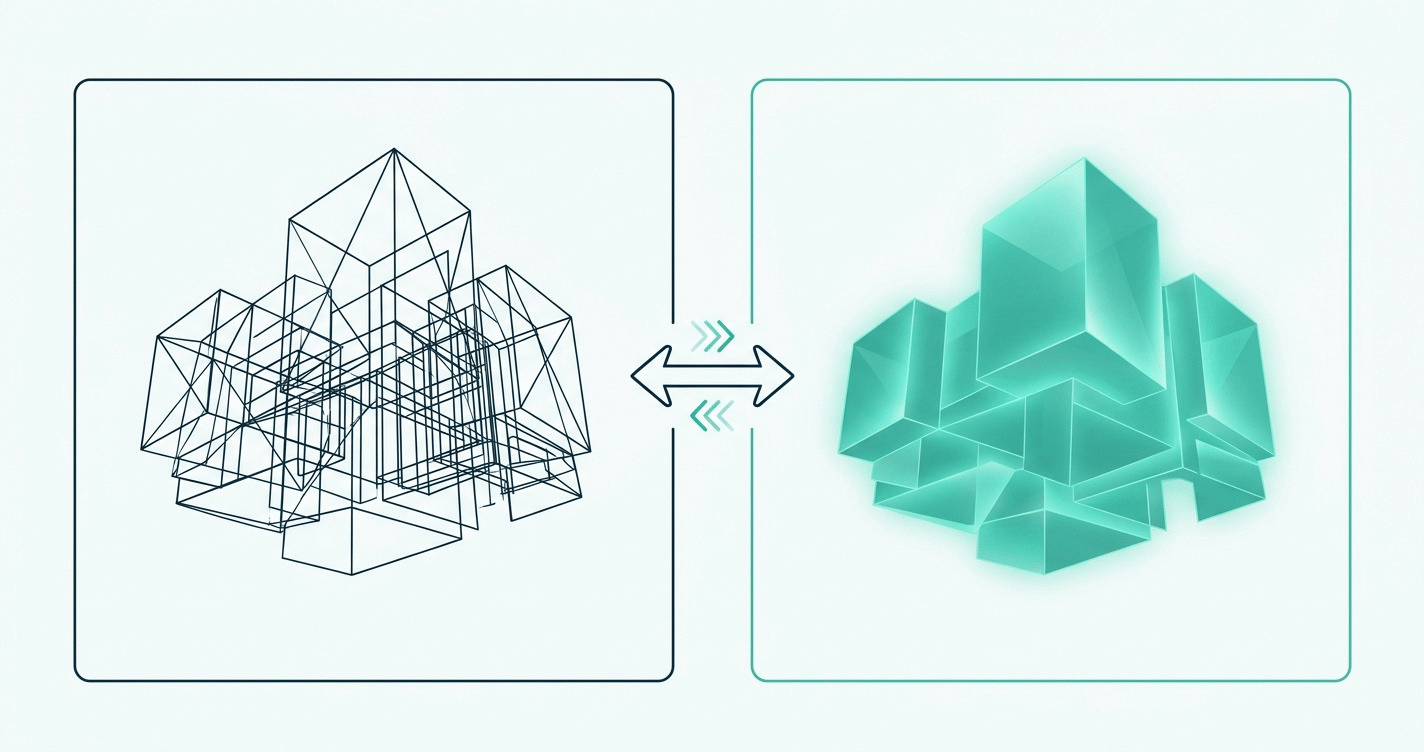
Open Enscape next to your Archicad window. Live Update keeps the two views synchronised. Move a wall, change a material, the render updates as you work.
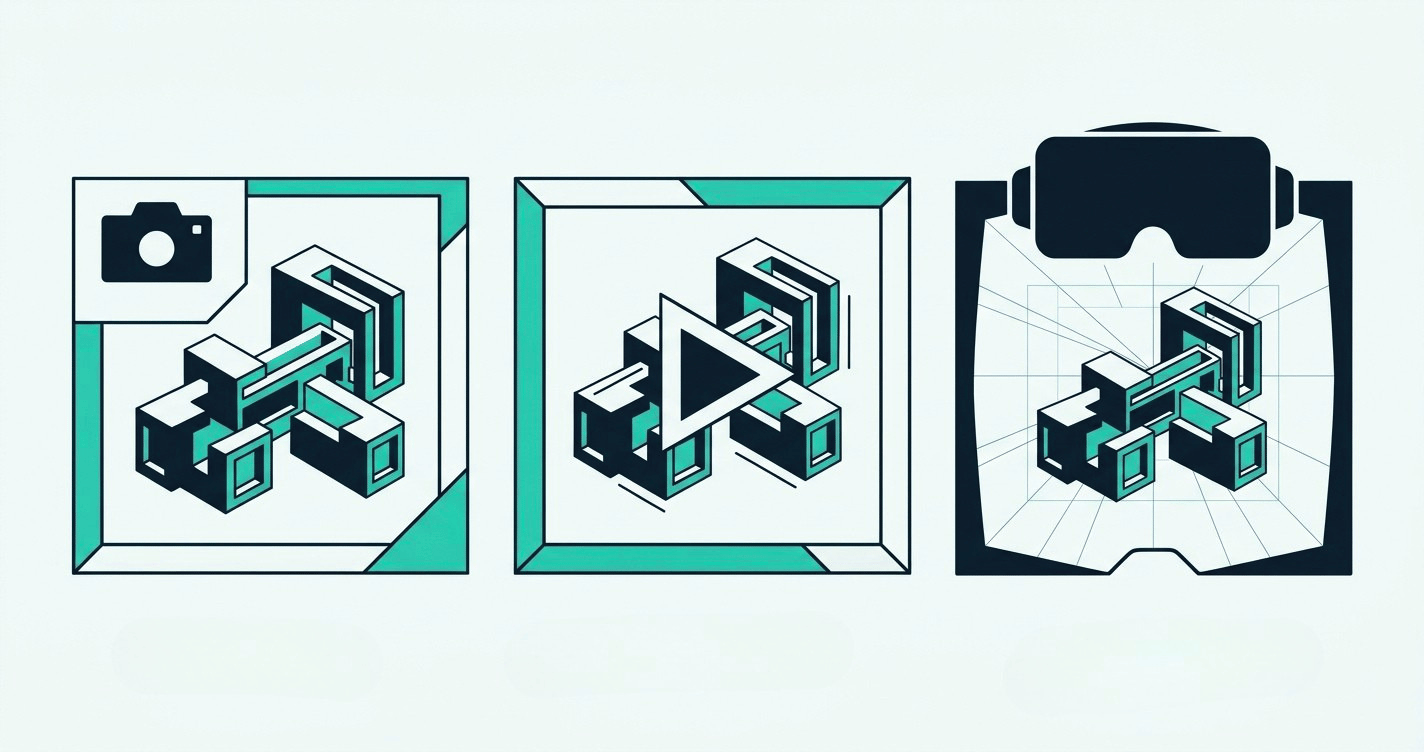
Export a still for a board pack. Capture a walkthrough video. Or hand the client a headset and walk the space together. One model, three formats.
Live Update keeps the Enscape view current with the Archicad model. No re-export, no waiting. Change the model, see the render.
Stills and walkthroughs render in the time it takes to frame the shot. The presentation reel is ready in minutes, not the next morning.
Move through the model with a game controller, or hand a client a VR headset. Game-controller and VR support ship in every tier.
Over 3,000 ready-made assets in the Cosmos library. Refine surfaces in the Material Editor. Realism without a separate visualisation artist.
Every tier renders in real time alongside Archicad. The differences are in AI-assisted visualisation, the asset library, and how the licence is shared. A check means included; a cross means the feature is not in that tier.
Enscape Solo
Enscape Premium
ArchDesign Collection
Best for
An individual architect or designer rendering alongside Archicad
A designer iterating concepts and presentation imagery with AI
A team taking projects from concept to client-ready
Real-time rendering, walkthroughs and VR
Cosmos asset library
Cosmos Solo
Cosmos Premium
Cosmos Collection
AI-assisted visualisation (Chaos Veras)
Chaos Envision
Cinematic animation and scene assembly
Sustainability insights (Chaos Impact)
Licence type
Named
Named or floating
Named or floating
Best for
An individual architect or designer rendering alongside Archicad
Price
Real-time rendering, walkthroughs and VR
Cosmos asset library
Cosmos Solo
AI-assisted visualisation (Chaos Veras)
Chaos Envision
Cinematic animation and scene assembly
Sustainability insights (Chaos Impact)
Licence type
Named
Best for
A designer iterating concepts and presentation imagery with AI
Price
Real-time rendering, walkthroughs and VR
Cosmos asset library
Cosmos Premium
AI-assisted visualisation (Chaos Veras)
Chaos Envision
Cinematic animation and scene assembly
Sustainability insights (Chaos Impact)
Licence type
Named or floating
Best for
A team taking projects from concept to client-ready
Price
Real-time rendering, walkthroughs and VR
Cosmos asset library
Cosmos Collection
AI-assisted visualisation (Chaos Veras)
Chaos Envision
Cinematic animation and scene assembly
Sustainability insights (Chaos Impact)
Licence type
Named or floating
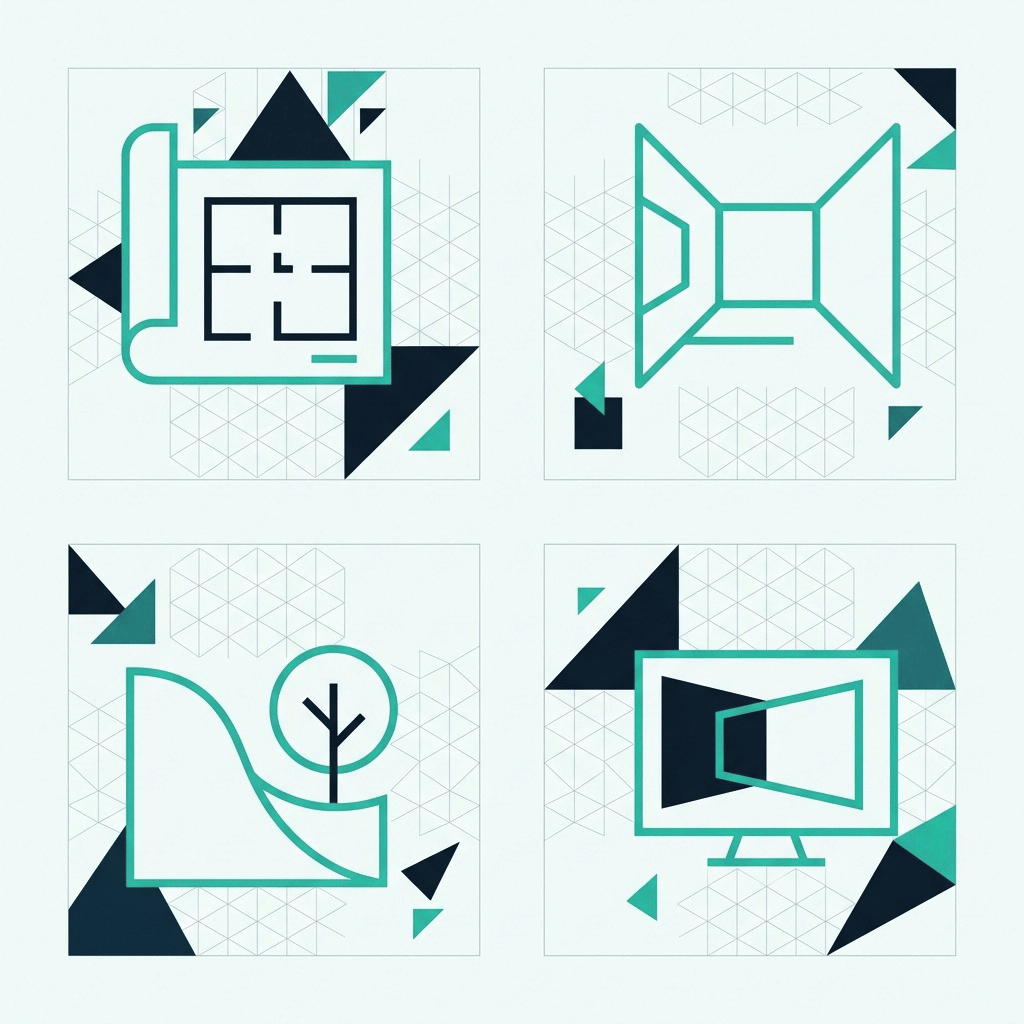
The common audiences sit across four groups: architects and BIM managers using Archicad as the BIM authoring tool and rendering alongside the model they already work in; interior architects presenting spaces to clients in walkthroughs that read in seconds; landscape designers and urban planners placing context, planting, and light around a site; and visualisation specialists working in ArchDesign Collection with the full Veras Pro and Envision toolset. Enscape works with SketchUp, Rhino, Vectorworks, and Revit too.
Nordic BIM Group sells SketchUp and Rhino in Finland. The Enscape license is the same regardless of host CAD tool.
Enscape installs as an Archicad plugin and appears in the Archicad top menu by default. Live Update syncs Archicad changes into Enscape in real time. One click moves the same model into a VR headset. The integration ships as part of the standard install.
Nordic BIM Group is the exclusive Archicad partner across the Nordics. The same Finnish team that sold the customer Archicad delivers Enscape on top of it. No second vendor, no second relationship.
Other rendering paths exist for Archicad, and the local Finnish team helps customers pick the right one. Enscape is the path most Finnish customers take.
Structured courses in Finnish, in person or via Teams. Fundamentals through to advanced workflows. Run by the Nordic BIM Group Finland team.
Three tiers, different jobs, named or floating licensing. The Finnish team helps you pick the one that fits before you subscribe.
Combined sessions for Finnish teams already on Archicad. Real Archicad models, real Enscape renders, in the same workshop.
Finnish-language support from the people who sold you the license. Behind it sits a 60-strong Nordic team with 30+ years in the industry.

SKiB campus

Flakstad Primary and Secondary School
See how architects and studios in Finland present and decide with Enscape on top of Archicad.
Three plans, one local partner, training in Finnish from day one.
Yes. Nordic BIM Group Finland is the local Enscape reseller and training partner. Purchase runs through the Finnish webshop linked from this page. Finnish-language support and training are part of the customer relationship.
Depends on the work and the team. Solo for an individual who wants real-time rendering alongside Archicad. Premium for a designer who wants more Cosmos assets and a larger monthly AI-credit allowance. ArchDesign Collection for a team that needs floating licensing, Envision, Impact and full presentation polish. Nordic BIM Group advises on tier choice. Talk to the local team before subscribing if uncertain.
Solo is a named license, tied to one user. Premium and ArchDesign Collection are floating licenses, which lets multiple team members share the seat. A team that wants shared use across users should pick ArchDesign Collection. The local team confirms before purchase.
Chaos tracks the latest Archicad release closely. The current Enscape build supports the most recent two or three Archicad versions. Older Archicad versions may have ended support. Check the Chaos compatibility page or ask the local team before installing on an older Archicad version.
Yes. Enscape works with SketchUp, Rhino, Vectorworks, and Revit as well. The Enscape license sold by Nordic BIM Group Finland is the same regardless of host CAD tool.

Yes. Chaos has a 14-day free trial on chaos.com. Nordic BIM Group Finland adds Finnish-language onboarding through training and separate customized training for teams that want a structured rollout.
Nordic BIM Group Finland runs structured Enscape training in Finnish, including combined Enscape-plus-Archicad sessions for teams already using Archicad. Chaos Academy has free self-serve learning in English. The two work well together. Most Finnish teams start with one structured course and supplement with Chaos Academy.
Enscape is GPU-driven. A workstation with a modern dedicated GPU is the practical minimum for real-time rendering at fluid frame rates. VR mode raises the bar. Chaos publishes detailed system requirements on chaos.com. Talk to the local team if procuring new hardware alongside the license.