Archicad AI

AI in Archicad

The AI in Archicad takes the repetitive work off your desk so you stay focused on design. You make the decisions. The tools handle the busywork around them.

  • Built into Archicad 29, no separate plugin
  • Included with the current Archicad subscription
  • Brought to the Nordics by Nordic BIM Group, the exclusive Archicad partner
Available in Finland Norway Sweden
Archicad-ai-design-control

Designers stay in control

The AI in Archicad is built to take over repetitive, low-value work, not your design decisions.

It answers questions where you work, selects elements you describe in plain language, and turns models into images in minutes. You stay in the driver's seat. Graphisoft builds these tools to understand your tools, your model, and your documentation, so you spend more time on the parts of a project that need your judgement and less on the work around them.

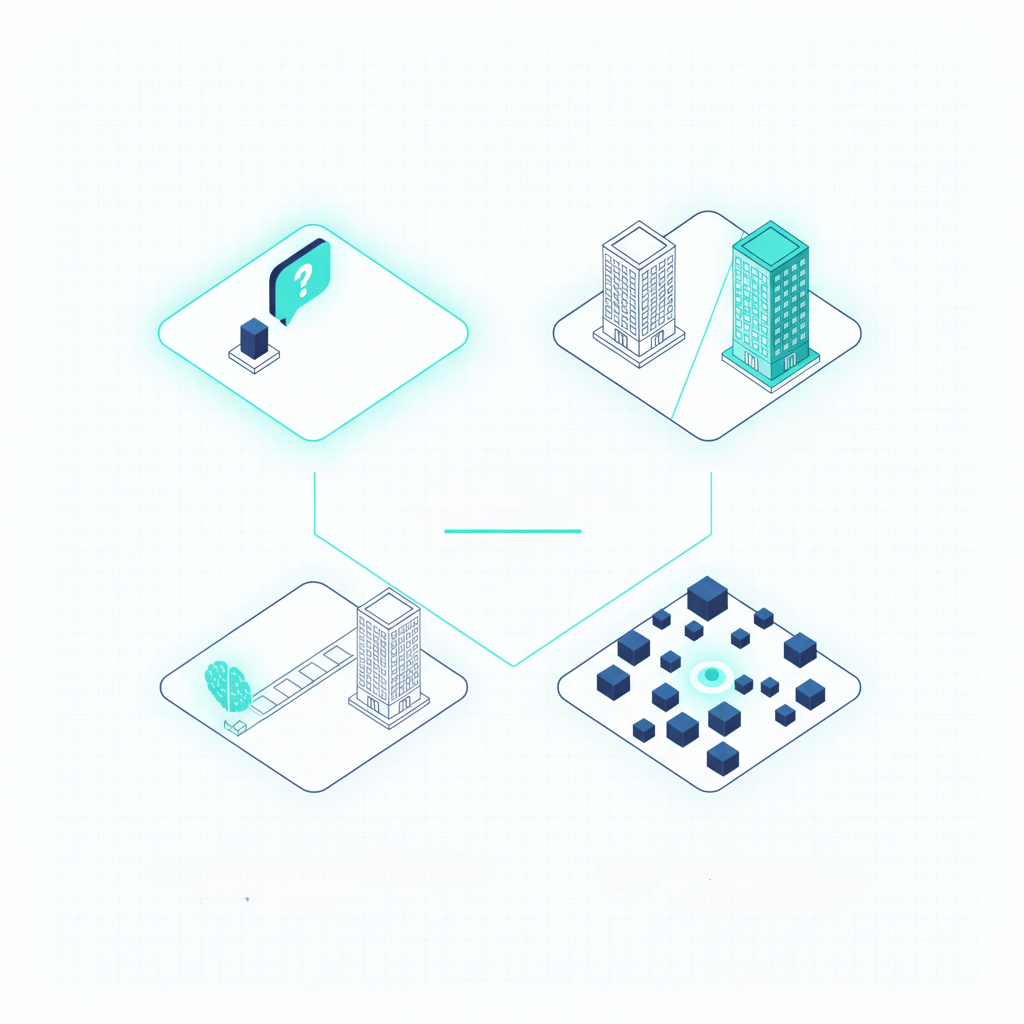
Four ways AI works in Archicad

Two of these tools ship today. Two are on the way. Here is the whole picture.

Archicad-ai-assistant-landscape

AI Assistant · Beta

Ask how-to questions, check supported standards, and select elements in plain language, right inside Archicad.

Archicad-ai-vizualiser-landscape

AI Visualizer

Turn sketches and model views into realistic images, textures, and cutouts without leaving Archicad.

Archicad-ai-mcp-landscape

MCP Support · Coming soon

A controlled bridge that will let AI work directly with your live model, not only chat about it.

Archicad-ai-iterative-landscape

Iterative Design Engine · Coming soon

Generate massing and layout options from your intent at the earliest stage of design.

AI Assistant

Beta. The Archicad AI Assistant is built into Archicad and Graphisoft MEP Designer. It helps you learn faster, find answers in the documentation, and work with your model in plain language. You open it from Windows, then Palettes, then AI Assistant.

  • Product knowledge on demand. Ask how-to questions about Archicad tools, workflows, and architectural concepts. Answers draw on official guides and support articles.
  • Building standards knowledge. Ask about selected building standards and regulations. This starts with the UK, with more regions to come. It does not answer Finnish, Norwegian, or Swedish building-code questions yet, so treat it as general guidance and check local code with your team.
  • BIM Queries. Select 2D and 3D elements by describing them, for example every exterior wall over 3 metres with a concrete structural material. The selection runs across the model.
  • AI Visualizer integration. Generate concept images in the conversation, then open them in AI Visualizer to refine, with your settings carried over.
  • AI Assistant Space. Coming soon. Upload project PDFs and chat about them to pull out requirements, clarify constraints, and summarise content.

You spend less time switching between help sources, gain more confidence on supported standards, and make faster selections in large models.

Archicad-ai-assistant
Archicad-ai-vizualiser

AI Visualizer

The Archicad AI Visualizer turns sketches, models, and ideas into finished visuals, directly in Archicad. You explore design directions and communicate concepts early, from simple prompts.

  • Image from composition. Guide the AI with a short prompt and keep your original layout, turning a sketch or model view into a finished image.
  • Textures and patterns. Generate tileable textures from a short description that matches the material and mood you have in mind.
  • Isolated objects. Create cutouts and assets to drop into a scene without an external library.
  • Style and composition. Layer different stylistic directions over a fixed layout to compare options.
  • Edit and refine. Select part of a generated image and replace or remove it with a targeted prompt, instead of starting over.
  • Upscale. Raise image resolution by four times for print and client-facing work.

You communicate ideas earlier, test materials in minutes, and refine what already works rather than restarting.

MCP Support

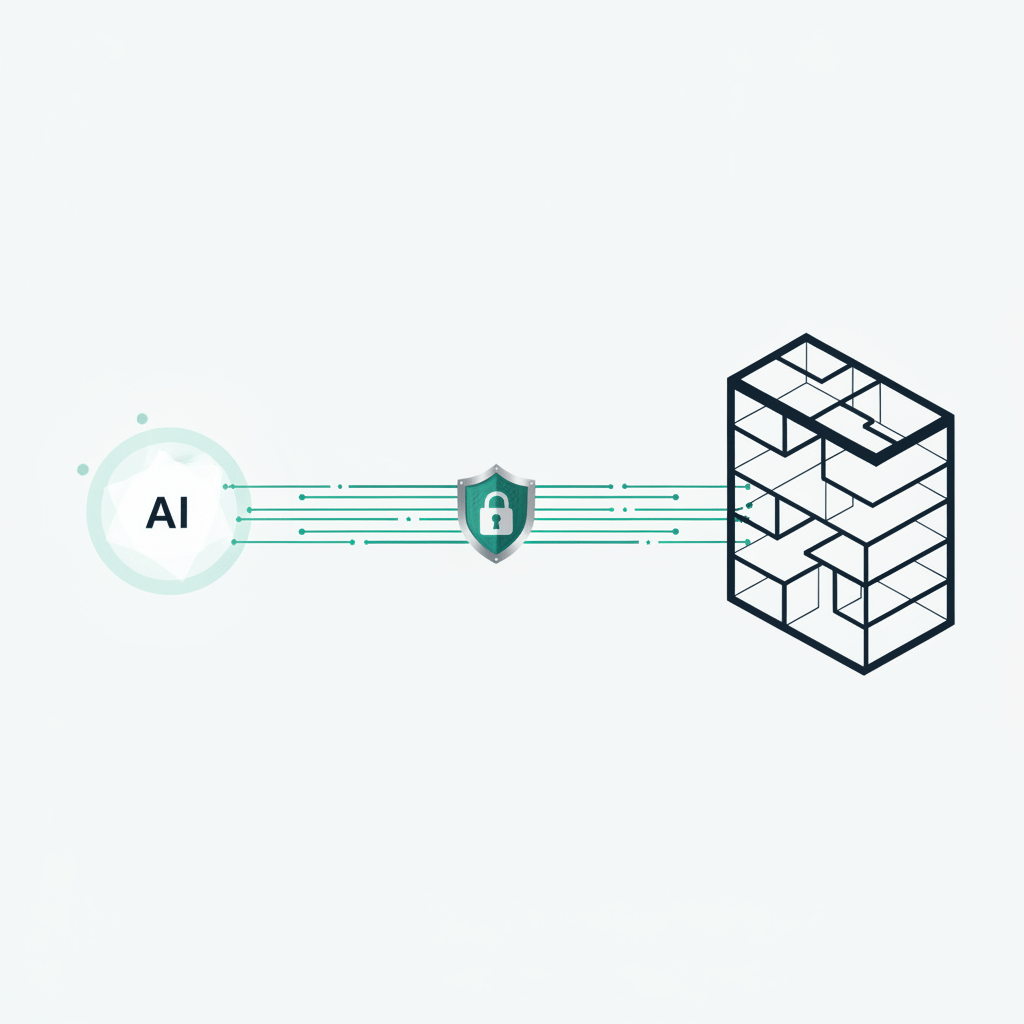
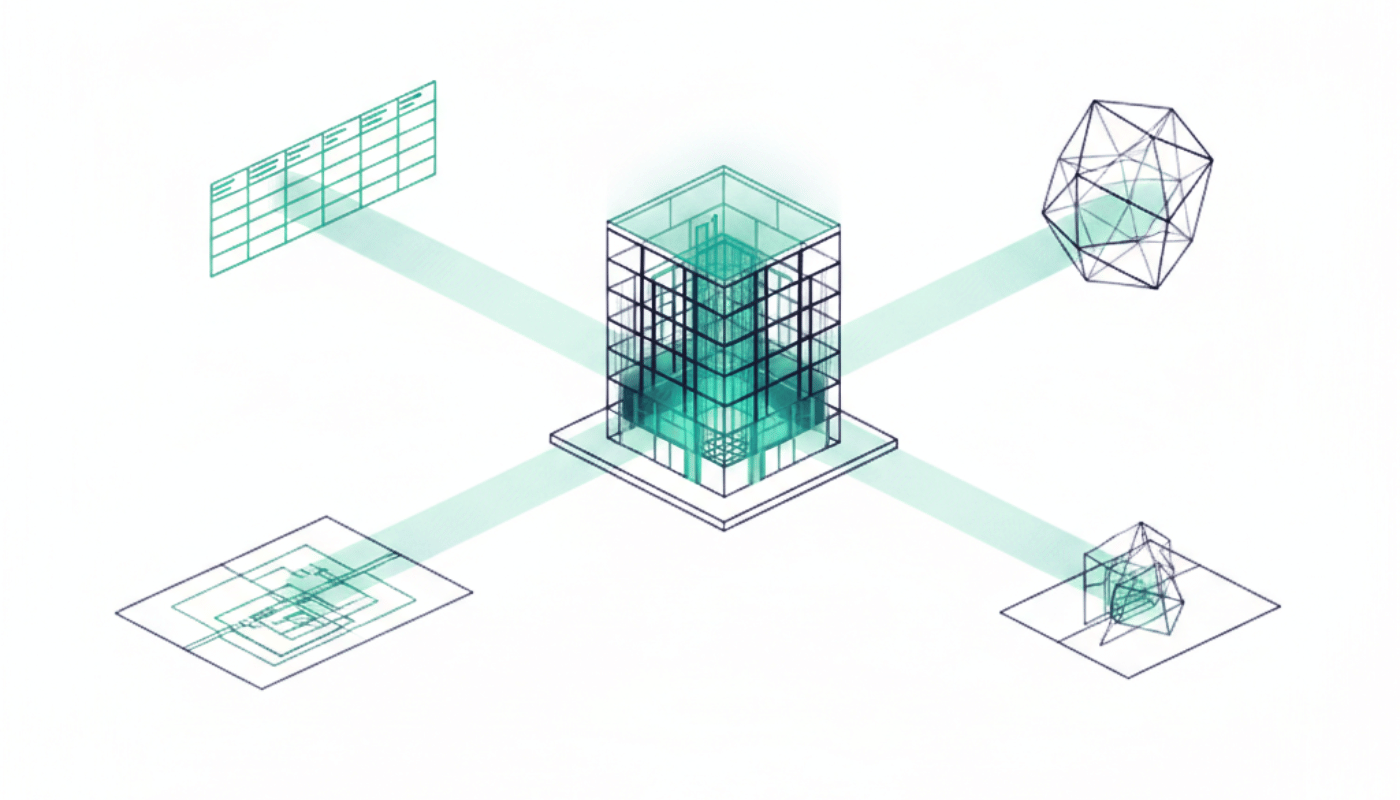
Coming soon. Today, AI in BIM tools is mostly limited to chat and suggestions. MCP, the Model Context Protocol, is a controlled bridge that will let the AI Assistant work directly with your live model, with you setting the limits. It reads model data, documentation structure, and project standards inside a safe framework, then helps you act on them.

  • Model health and quality checks. Automate routine model reviews and quality assurance while staying in control.
  • Data extraction. Pull quantities, relationships, and other structured data in plain language, with no scripts or complex queries.
  • Standards and template support. Keep office standards and documentation structures consistent across projects.
Archicad-ai-mcp
Archicad-ai-iterative

Iterative Design Engine

Coming soon. Iterative Design Engine explores early-stage design by generating massing and layout options from your intent, whether you start from a sketch, a photo of a physical model, or an early model. Early design is where you have the most influence over cost, sustainability, and how a building works, so this is where AI exploration pays off most.

  • From intent to options. Set goals and limits such as floor area, height, or spacing, and get alternative massing and layouts that respect them while keeping your concept.
  • Faster exploration. Compare more options in less time and understand trade-offs earlier.
  • An early-stage partner. Built to work with Graphisoft's Design Intelligence Platform, so early design is more than a digital sketchpad.

Where it fits and what you need

The AI Assistant Beta is included in Archicad 29, on the Archicad Collaborate and Archicad Studio plans, and in MEP Designer Studio and DDScad 21. AI Visualizer runs in Archicad on the Studio and Collaborate plans.

The AI features need a current Archicad subscription. If you are still on an older perpetual agreement, you move to a current subscription first, and we can help you plan that. New to Archicad? Try Archicad to see it for yourself. The AI Assistant needs an internet connection.

On privacy, Graphisoft does not use your project content or generated images to train AI models, and collects only software usage data. You stay responsible for not putting sensitive content in a prompt.

All of this sits under Graphisoft's Design Intelligence direction, the longer-term plan to bring early decisions, open collaboration, and detailed BIM into one way of working. We bring those tools to the Nordics as they ship.
Archicad-document

Getting started with Nordic BIM Group

Nordic BIM Group is the exclusive Archicad partner across Finland, Norway, and Sweden. We help you put these tools to work, in your language.

Nordic-BIM-Group-Icons-course-snow

Training on Archicad

Foundation and advanced Archicad courses, plus tailored in-house sessions, in Finnish, Norwegian, and Swedish, online or on site.

Nordic-BIM-Group-Icons-Implimentation-Snow

Help getting set up

Scoped services that set up Archicad and its tools the way your office works.

nordicbim_support_white

Local support

Support in your language and working hours, from our Archicad specialists across the Nordics.

See AI in Archicad in action

Book a demo with a Nordic specialist who knows your market and your standards.

Frequently asked questions

AI Visualizer and the AI Assistant (Beta) ship today. MCP Support, the Iterative Design Engine, and the AI Assistant Space are announced and coming soon.