The Archicad add-on Nordic BIM Group built to fit Nordic practice. Free tier installs with the add-on. A licensed tier extends it further.

Available in
Finland
Norway
Sweden
Where standard Archicad runs out
Standard Archicad is a strong platform. Nordic practice asks more of it. The gaps below are the ones NordicTools fills.
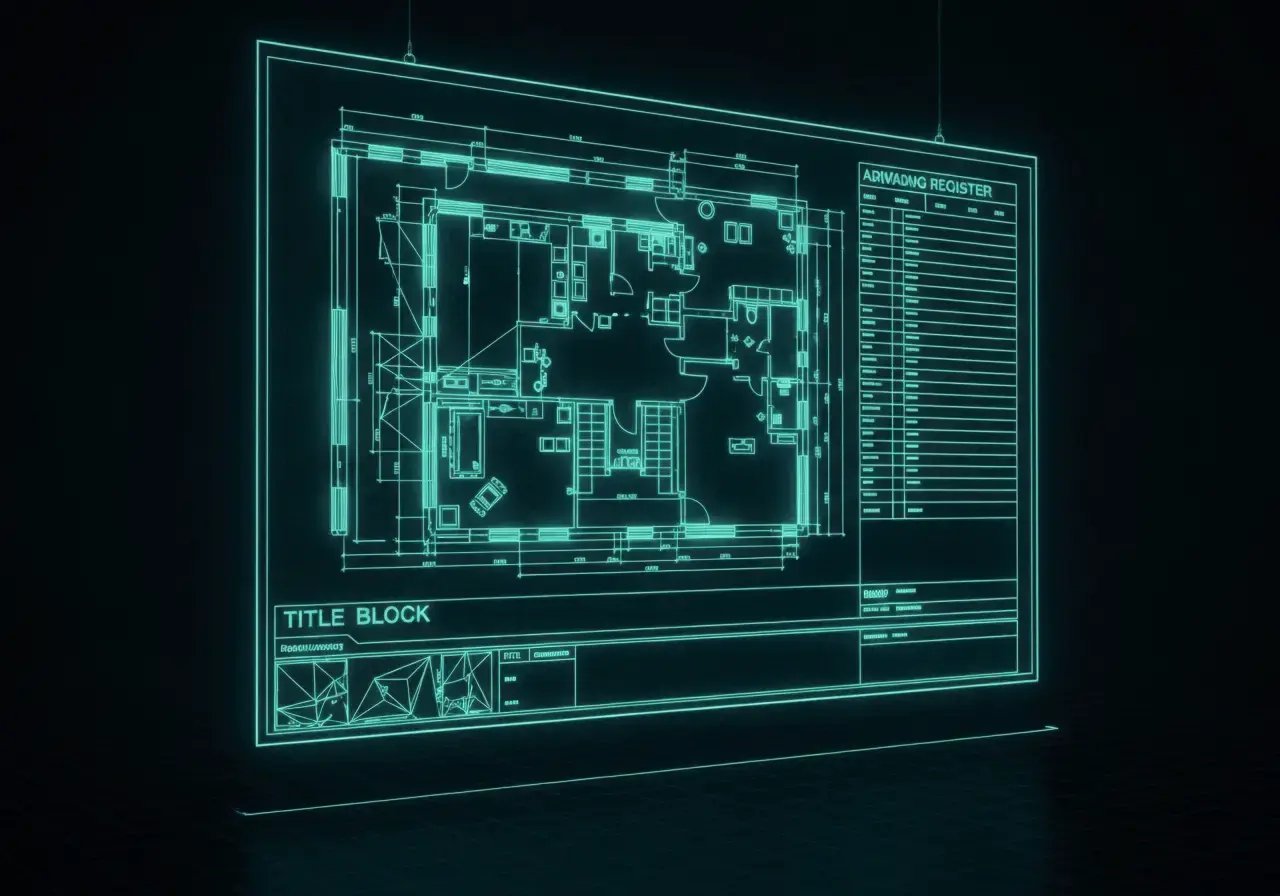
Title blocks, table of content, revisions and layer naming all have Swedish standards architects must follow. Standard Archicad ships only a basic Swedish-standards template, not the full set, so every project still rebuilds the same scaffolding.


How it works

Install
Fill in the download form. NordicTools installs into Archicad along with the library, the Nordic starter templates and the full free tier. Mac and Windows. Silent install from version 29 onward.
Open the palette
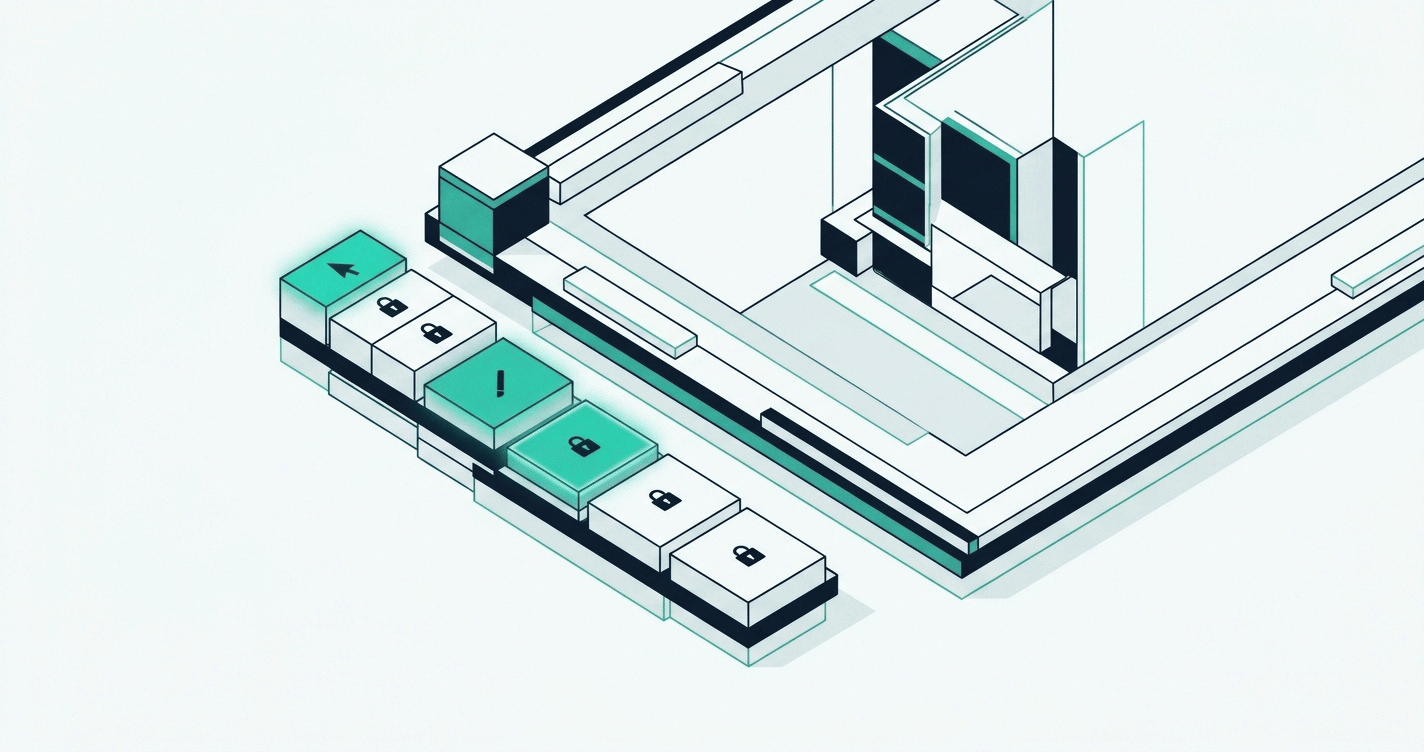
In Archicad, open BIMTools → NordicTools → Show NordicTools palette. The palette gives access to every NordicTools tool, free and licensed alike. Licensed tools show a padlock until activation.

Use the free tier
Height Levels, some library objects, Nordic starter templates, the Swedish documentation, BEAst basics and Sweco Rita export all work without a license. Most firms run NordicTools on the free tier for years before needing more.

License to extend
Room Planning, more library objects, Building Materials Info Manager, Smart Building Form, the Swedish documentation extended and BEAst Extended need a licence. Talk to us, activation happens without a reinstall.
Key features
Four features carry the weight of NordicTools.

Swedish standards, built in
NordicTools ships the templates, registers, layer-naming and title blocks that Swedish projects need: BEAst, SB11, SS 32206, SS 32222. The free tier covers the basics. The licensed tier adds the Layout Manager for bulk editing across the drawing set.

Room programming from Excel
Drop the brief's room program into Excel: name, count, area, number, zone category, floor. Import to Archicad and the zones populate automatically in a matrix or row.

Building materials edited in Excel
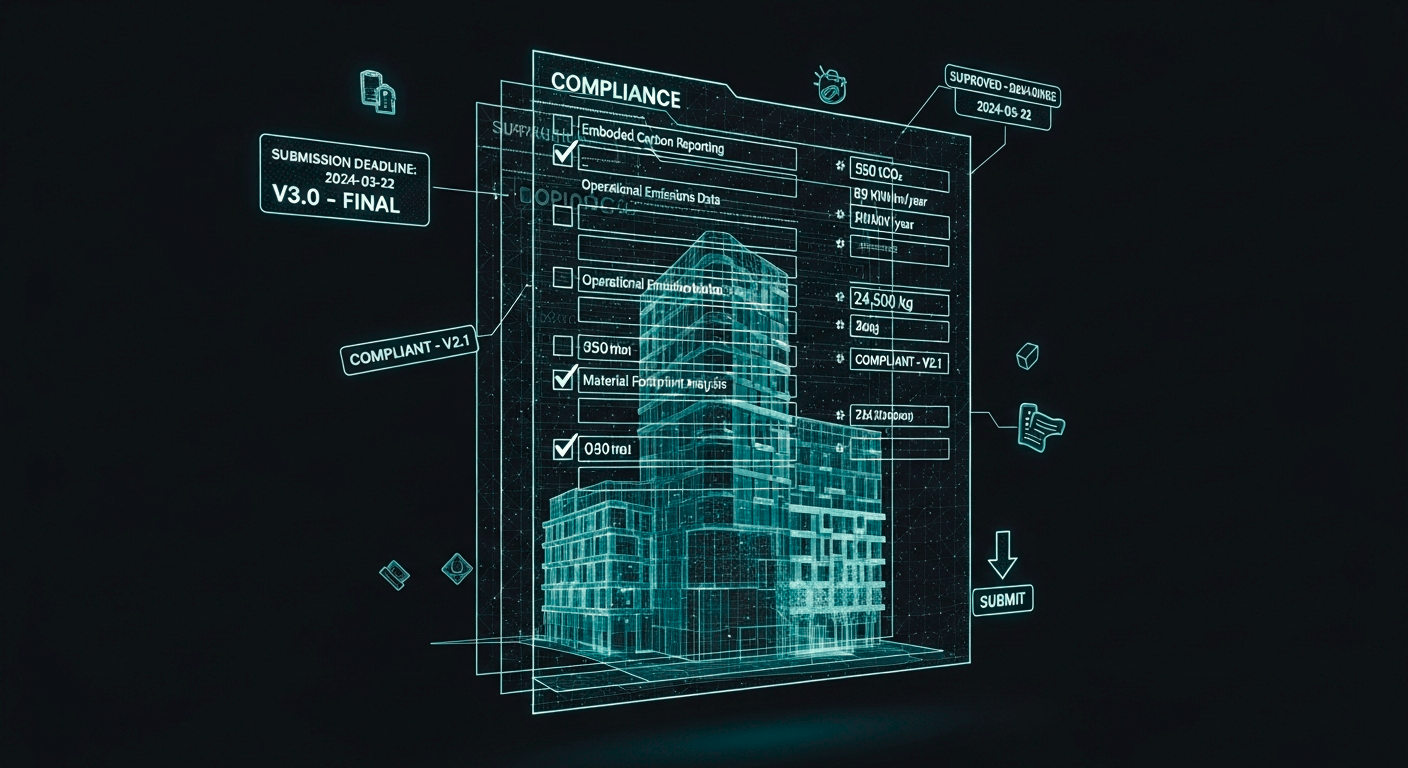
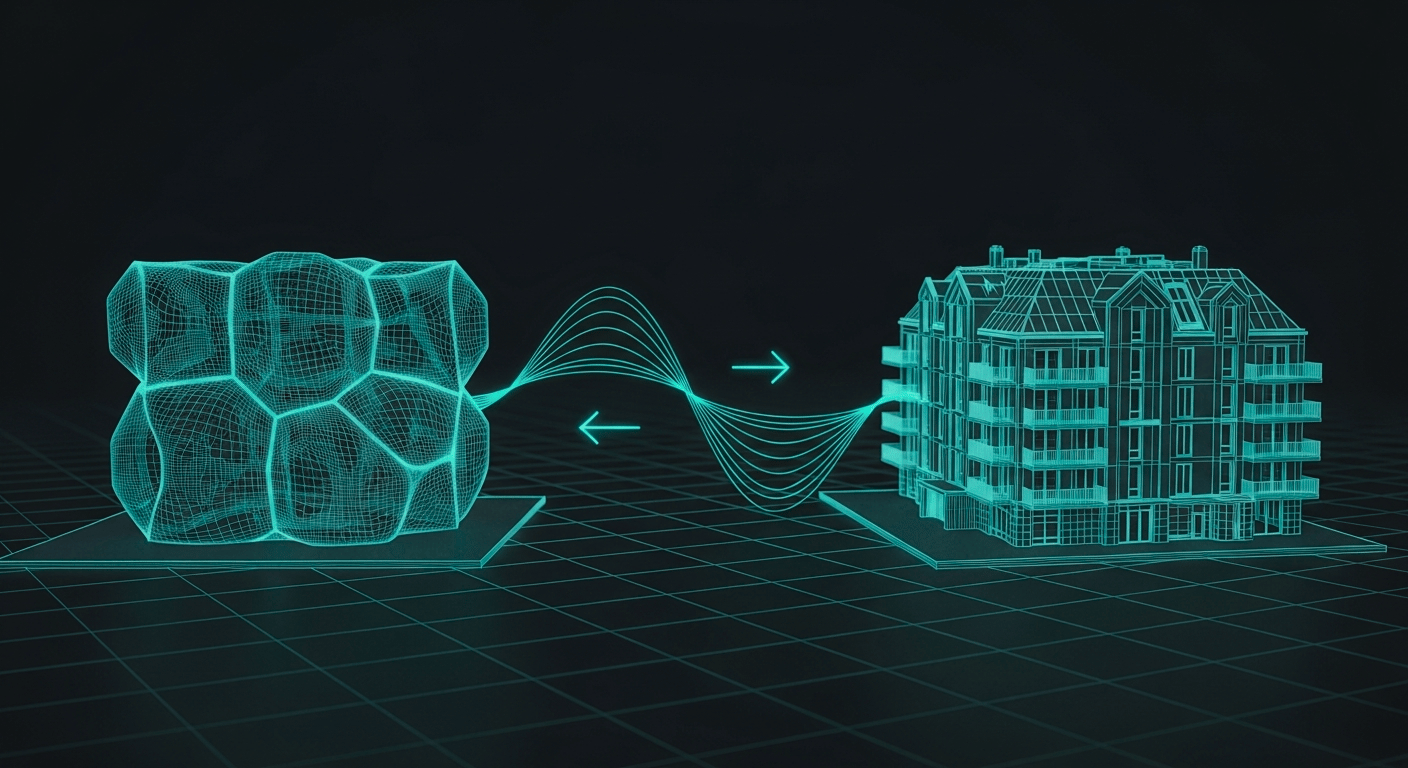
Building Materials Info Manager exports all materials and their LCA parameters (GWP, density, embodied carbon) to Excel for bulk editing, then re-imports the updated values. Serious LCA work becomes possible at project scale.

Library of Nordic-convention objects
NordicTools ships a library of objects built from Nordic project conventions: Model Pie for coordinate-origin checks, Angle Check for off-square walls, Zone Stamp Nordic with MVO-driven content, Elevation Contours for surveyor meshes and more.
Who it's for
Architects and BIM coordinators work in Archicad every day and feel the friction between standard Archicad and Nordic practice.
BIM managers choose the tooling for their teams and their upcoming projects.
IT leads roll Archicad out across many machines. They need a silent install and a predictable add-on that fits the rest of the toolchain.


Works alongside
NordicTools sits inside Archicad and plays well with the rest of the stack.
- Anavitor LCA for LCA analysis (Smart Building Form and Building Materials Info Manager feed straight in).
- BIMcloud for teamwork projects.
- Excel for the round-trip data editing in Room Planning and Building Materials Info Manager.
- Sweco Rita and ULC for project archiving via XML export.
Training and support around NordicTools
NordicTools is one add-on inside a wider Archicad and BIM stack. Implementation, training, and support sit alongside the product.
Implementation
Roll out NordicTools across the firm with a clear delivery plan. Our services team sets it up to fit your standards and runs the first project alongside you.

Training
Get up to speed on NordicTools and the wider Archicad and BIM stack. Local-language sessions, in person and online, for individuals and full teams.

Support
Ongoing support across the toolchain. Our team knows NordicTools because we built it. Licensed customers get priority response.