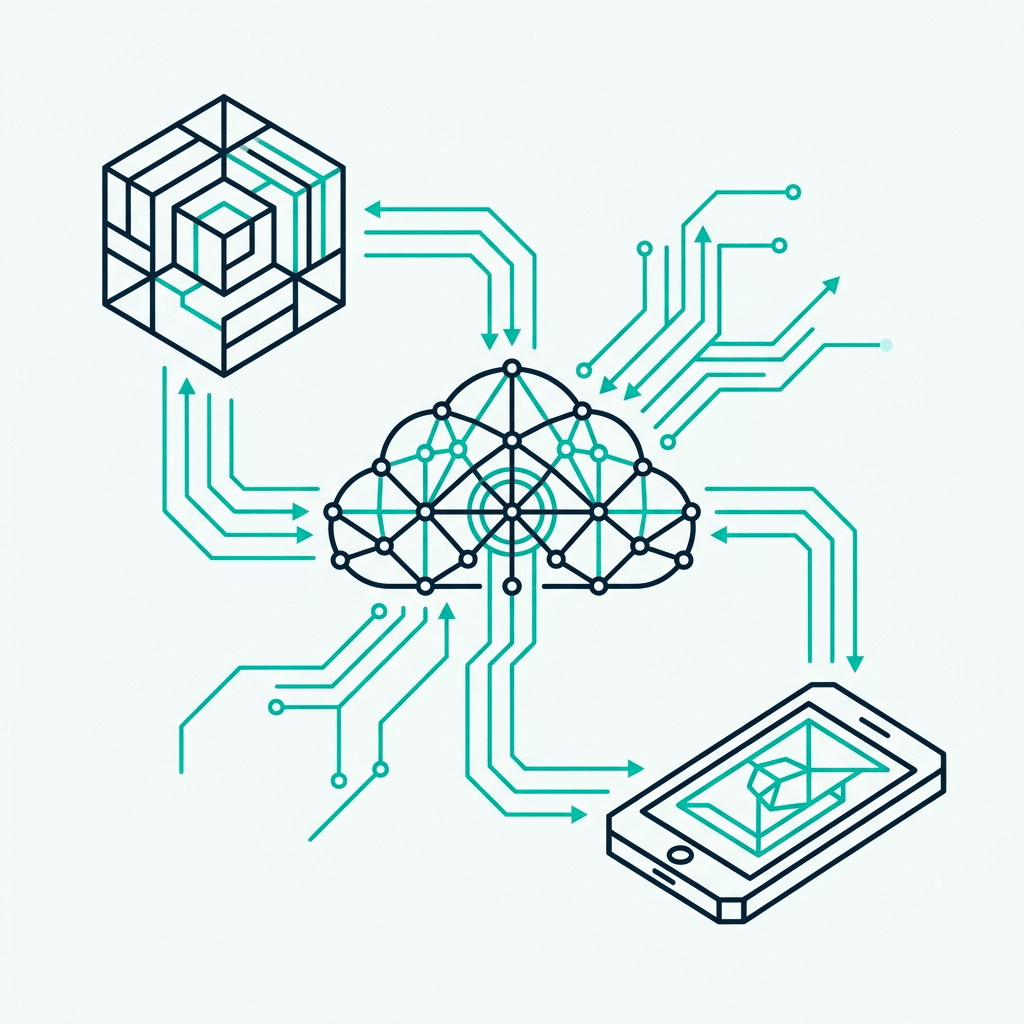
Work on the same Archicad model from any office or project site, on any internet connection. BIMcloud is the project hub that powers Teamwork for distributed design teams, with security and admin built in.

SKiB campus
Work on the same Archicad model from any office or project site, on any internet connection. BIMcloud is the project hub that powers Teamwork for distributed design teams, with security and admin built in.
BIM projects rarely sit on one desk in one office. They span teams, disciplines, sites, and time zones. Without a shared platform, three things break first.
Your architects, engineers, and BIM coordinators sit in different offices. Files get emailed back and forth. Versions diverge. The model everyone thought they were working on is no longer the model in your hand.
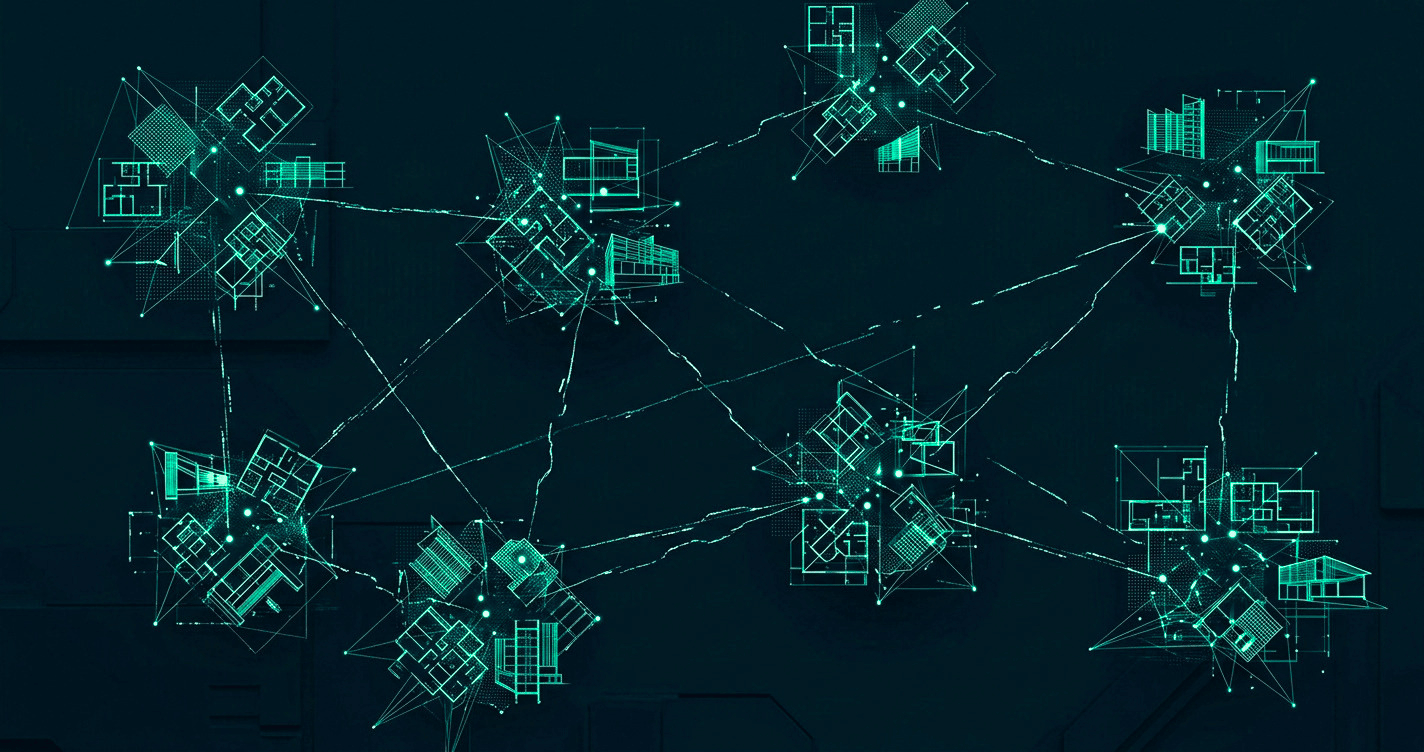
Sharing a 2 GB model file across a slow connection wastes hours. By the time it arrives, someone has changed it on the other side. Productive time goes to file management instead of design.
Where does the project live? Who can access what? Backups, permissions, and audit trail. If you cannot answer these questions today, you cannot answer them when a customer or regulator asks.
BIMcloud sits between your team and the Archicad model. It runs the project, controls access, and syncs only what changed. Here is the path most teams take.
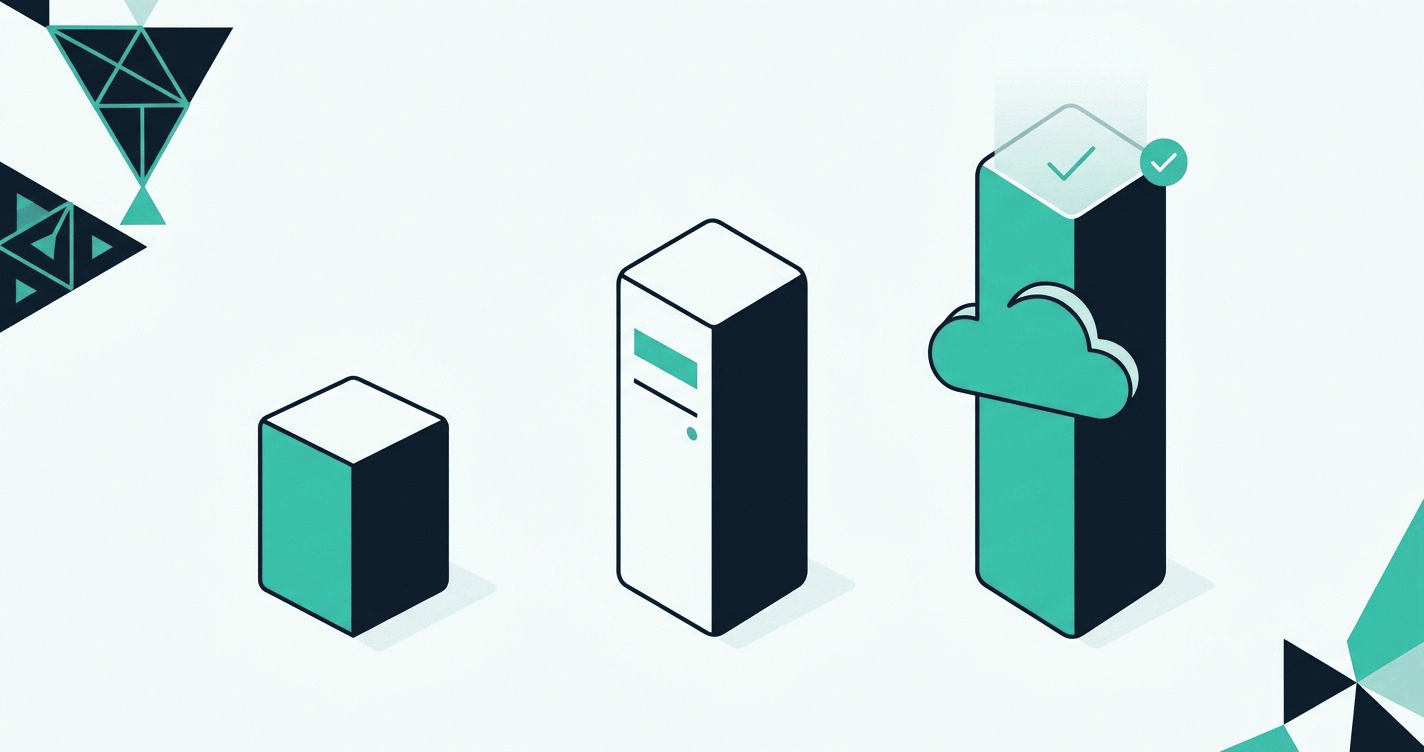
Pick the BIMcloud version that fits your team. BIMcloud Basic for a single office and one project at a time. BIMcloud full for self-hosted control. BIMcloud SaaS, included in Archicad Collaborate, for hands-off cloud delivery.
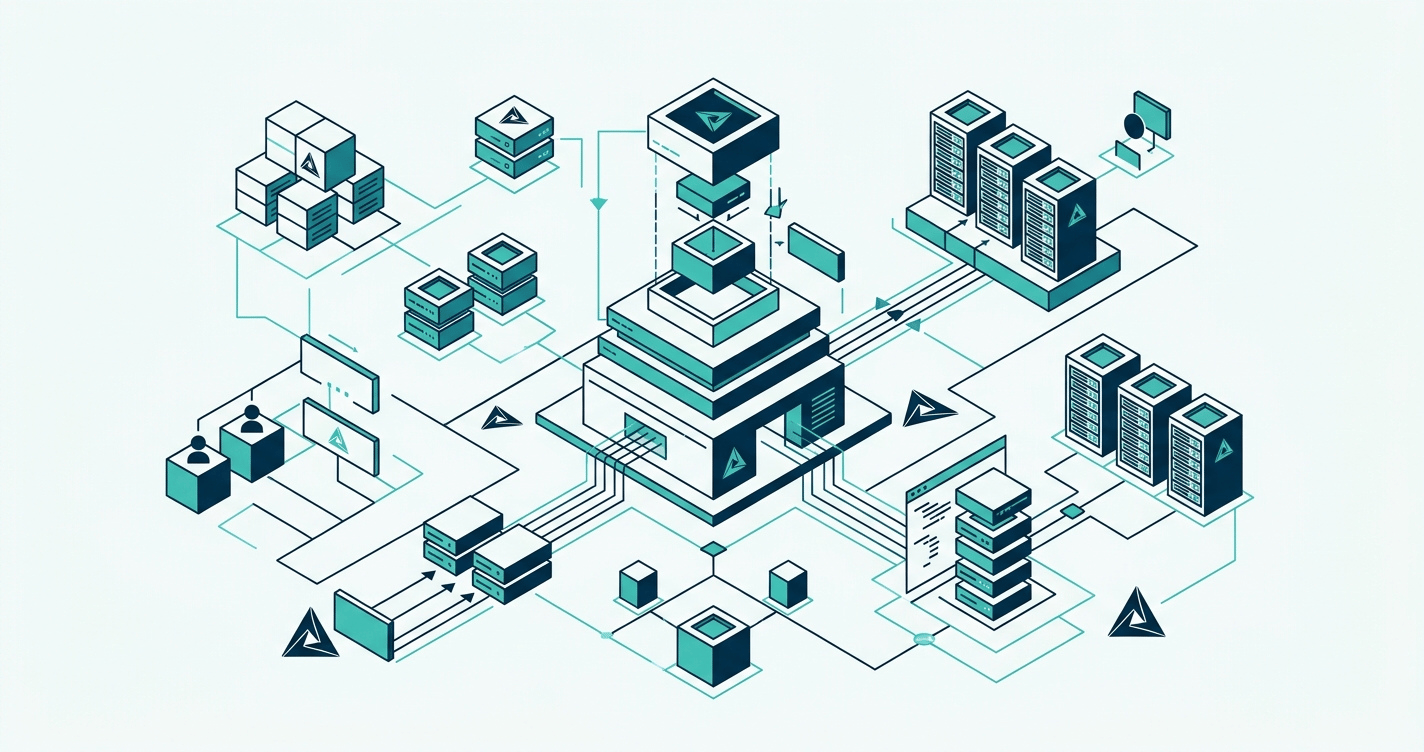
With BIMcloud SaaS, included in Archicad Collaborate, Graphisoft hosts everything. No server to buy, no server to set up, you skip the IT problem entirely. The full BIMcloud runs on your own server instead, so your IT team or provider keeps control of the environment.
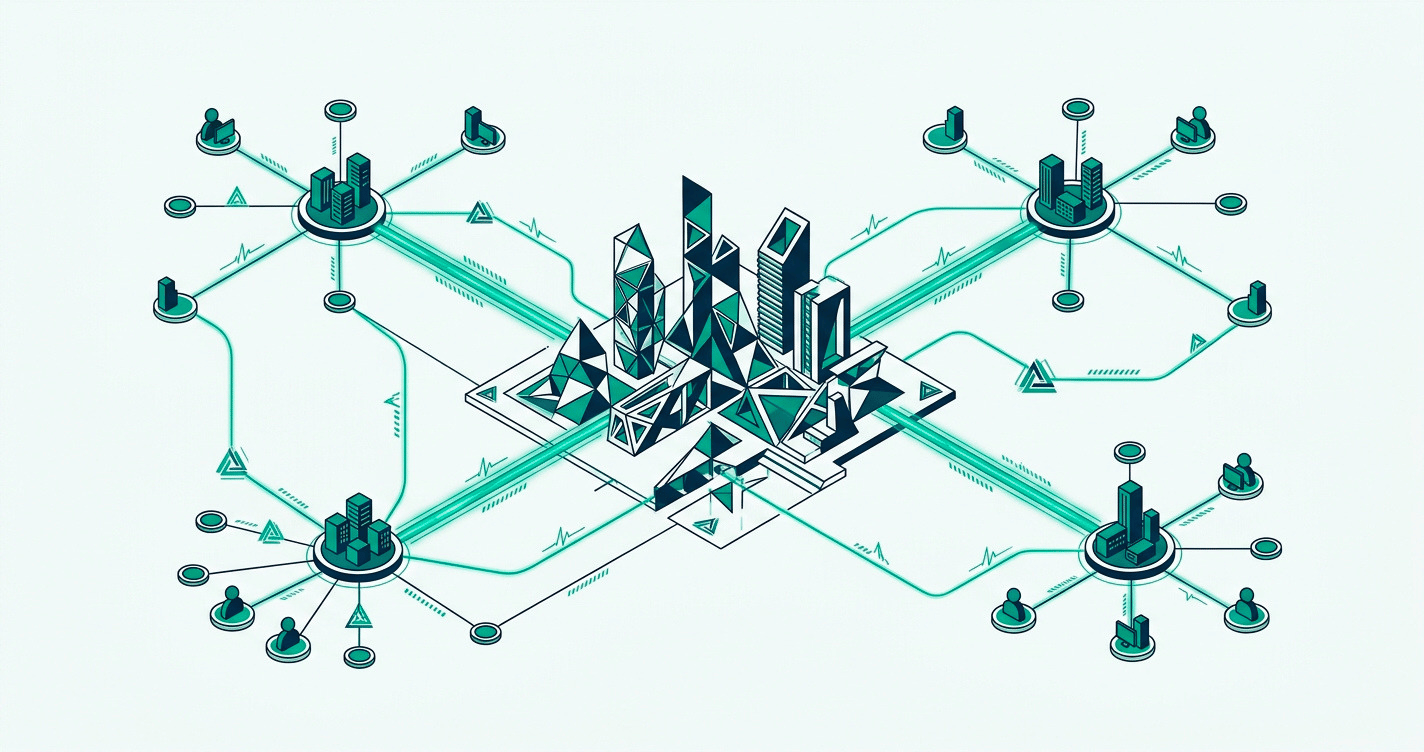
Architects open the model from any office. Reservations stop two people editing the same wall. Delta sync sends only what changed, not the whole file, even on a low-bandwidth connection.
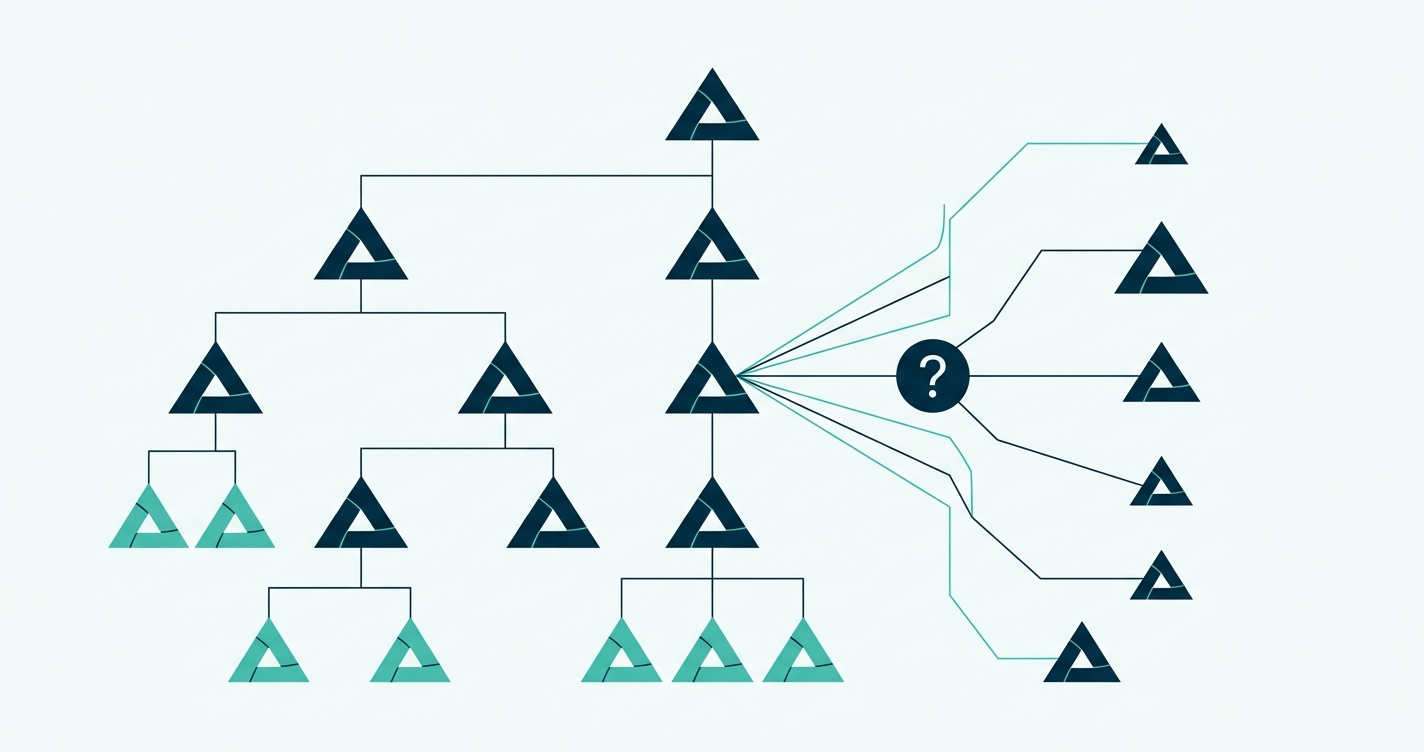
Teamwork is a workflow, not a button. Our trainers teach your BIM managers how to run multi-team projects, set permissions, and resolve conflicts. Support is in Nordic time zones, in your language.
Beyond the file-sharing piece, BIMcloud carries the features that turn a shared model into a working team. Four matter most.
Open the Archicad model from the office, a project site, or your home network. Same project, same permissions, same speed.
Reservations protect what you are editing. Changes made by teammates appear without delay. Built-in messaging keeps decisions in the project context, not in scattered chat threads.
Graphisoft delivers multi-factor authentication and a secure password mandate on BIMcloud SaaS. Backups, monitoring, and access logs come standard. Your project data stays yours.
BIMcloud Manager runs in the browser. Set roles, libraries, and folder permissions in one place. New projects inherit your settings, so the second project is faster than the first.
BIMcloud comes in three versions. The right one depends on team size, where you want the data to live, and whether you want to run a server.
Most growing Nordic firms now move to Archicad Collaborate, which includes BIMcloud SaaS. The table below sets all three side by side.
Included with Archicad Collaborate
BIMcloud Basic
BIMcloud
BIMcloud SaaS
Basic teamworking
Collaborate on design projects through Archicad
Delta technology
Send only changes through the network
Communicate within the project
Discuss specific issues within the project
Detailed permission system
Individual permission settings for each project
Work through WAN
Work in teams using a wide area network
Support more Archicad versions
Use different versions of Archicad for different projects on the same BIMcloud
Advanced teamworking
Reservation assistant, intelligent project libraries
BIMx Pro license and communication
BIMx Pro features with integrated messaging for all projects
BIMx Web Viewer
Open Hyper-models in BIMx Web Viewer, integrated into BIMcloud's browser interface
Advanced permission system
Hierarchical permission definition with inherited settings
User directory integration
Connect your office user directory for easier access management
Multi-site optimisation with BIMcloud Delta Cache
Speed up remote teams' work by saving on network bandwidth
Change tracking
Subscribe to changes of interest and get notified in real time in Archicad
Advanced team and project management
Multi-level folder structure and advanced group or team-level permissions for better project organisation
Multi-disciplinary model hub
Keep everyone in sync by publishing and uploading models, drawings, and any other files directly to BIMcloud
Link directly from BIMcloud
Hotlink models, access SAF and BCF files, and external drawings in Archicad directly from BIMcloud
BIMcloud API
Connect your application to BIMcloud for easy access to hosted data: manage, upload, and download directly from other tools
File hosting
Host files of any type
Automatic scaling
Increased hardware and storage when it is needed
No up-front investment
Hop on, hop off as your projects require it
Zero IT
The system is managed by Graphisoft, no need to invest in additional IT solutions
Basic teamworking
Collaborate on design projects through Archicad
Delta technology
Send only changes through the network
Communicate within the project
Discuss specific issues within the project
Detailed permission system
Individual permission settings for each project
Work through WAN
Work in teams using a wide area network
Support more Archicad versions
Use different versions of Archicad for different projects on the same BIMcloud
Advanced teamworking
Reservation assistant, intelligent project libraries
BIMx Pro license and communication
BIMx Pro features with integrated messaging for all projects
BIMx Web Viewer
Open Hyper-models in BIMx Web Viewer, integrated into BIMcloud's browser interface
Advanced permission system
Hierarchical permission definition with inherited settings
User directory integration
Connect your office user directory for easier access management
Multi-site optimisation with BIMcloud Delta Cache
Speed up remote teams' work by saving on network bandwidth
Change tracking
Subscribe to changes of interest and get notified in real time in Archicad
Advanced team and project management
Multi-level folder structure and advanced group or team-level permissions for better project organisation
Multi-disciplinary model hub
Keep everyone in sync by publishing and uploading models, drawings, and any other files directly to BIMcloud
Link directly from BIMcloud
Hotlink models, access SAF and BCF files, and external drawings in Archicad directly from BIMcloud
BIMcloud API
Connect your application to BIMcloud for easy access to hosted data: manage, upload, and download directly from other tools
File hosting
Host files of any type
Automatic scaling
Increased hardware and storage when it is needed
No up-front investment
Hop on, hop off as your projects require it
Zero IT
The system is managed by Graphisoft, no need to invest in additional IT solutions
Basic teamworking
Collaborate on design projects through Archicad
Delta technology
Send only changes through the network
Communicate within the project
Discuss specific issues within the project
Detailed permission system
Individual permission settings for each project
Work through WAN
Work in teams using a wide area network
Support more Archicad versions
Use different versions of Archicad for different projects on the same BIMcloud
Advanced teamworking
Reservation assistant, intelligent project libraries
BIMx Pro license and communication
BIMx Pro features with integrated messaging for all projects
BIMx Web Viewer
Open Hyper-models in BIMx Web Viewer, integrated into BIMcloud's browser interface
Advanced permission system
Hierarchical permission definition with inherited settings
User directory integration
Connect your office user directory for easier access management
Multi-site optimisation with BIMcloud Delta Cache
Speed up remote teams' work by saving on network bandwidth
Change tracking
Subscribe to changes of interest and get notified in real time in Archicad
Advanced team and project management
Multi-level folder structure and advanced group or team-level permissions for better project organisation
Multi-disciplinary model hub
Keep everyone in sync by publishing and uploading models, drawings, and any other files directly to BIMcloud
Link directly from BIMcloud
Hotlink models, access SAF and BCF files, and external drawings in Archicad directly from BIMcloud
BIMcloud API
Connect your application to BIMcloud for easy access to hosted data: manage, upload, and download directly from other tools
File hosting
Host files of any type
Automatic scaling
Increased hardware and storage when it is needed
No up-front investment
Hop on, hop off as your projects require it
Zero IT
The system is managed by Graphisoft, no need to invest in additional IT solutions
Basic teamworking
Collaborate on design projects through Archicad
Delta technology
Send only changes through the network
Communicate within the project
Discuss specific issues within the project
Detailed permission system
Individual permission settings for each project
Work through WAN
Work in teams using a wide area network
Support more Archicad versions
Use different versions of Archicad for different projects on the same BIMcloud
Advanced teamworking
Reservation assistant, intelligent project libraries
BIMx Pro license and communication
BIMx Pro features with integrated messaging for all projects
BIMx Web Viewer
Open Hyper-models in BIMx Web Viewer, integrated into BIMcloud's browser interface
Advanced permission system
Hierarchical permission definition with inherited settings
User directory integration
Connect your office user directory for easier access management
Multi-site optimisation with BIMcloud Delta Cache
Speed up remote teams' work by saving on network bandwidth
Change tracking
Subscribe to changes of interest and get notified in real time in Archicad
Advanced team and project management
Multi-level folder structure and advanced group or team-level permissions for better project organisation
Multi-disciplinary model hub
Keep everyone in sync by publishing and uploading models, drawings, and any other files directly to BIMcloud
Link directly from BIMcloud
Hotlink models, access SAF and BCF files, and external drawings in Archicad directly from BIMcloud
BIMcloud API
Connect your application to BIMcloud for easy access to hosted data: manage, upload, and download directly from other tools
File hosting
Host files of any type
Automatic scaling
Increased hardware and storage when it is needed
No up-front investment
Hop on, hop off as your projects require it
Zero IT
The system is managed by Graphisoft, no need to invest in additional IT solutions
BIMcloud is for Archicad teams that have outgrown a single office and a single server. If your team works across locations, includes remote or hybrid contributors, or runs projects too large for BIMcloud Basic, this is the next step.
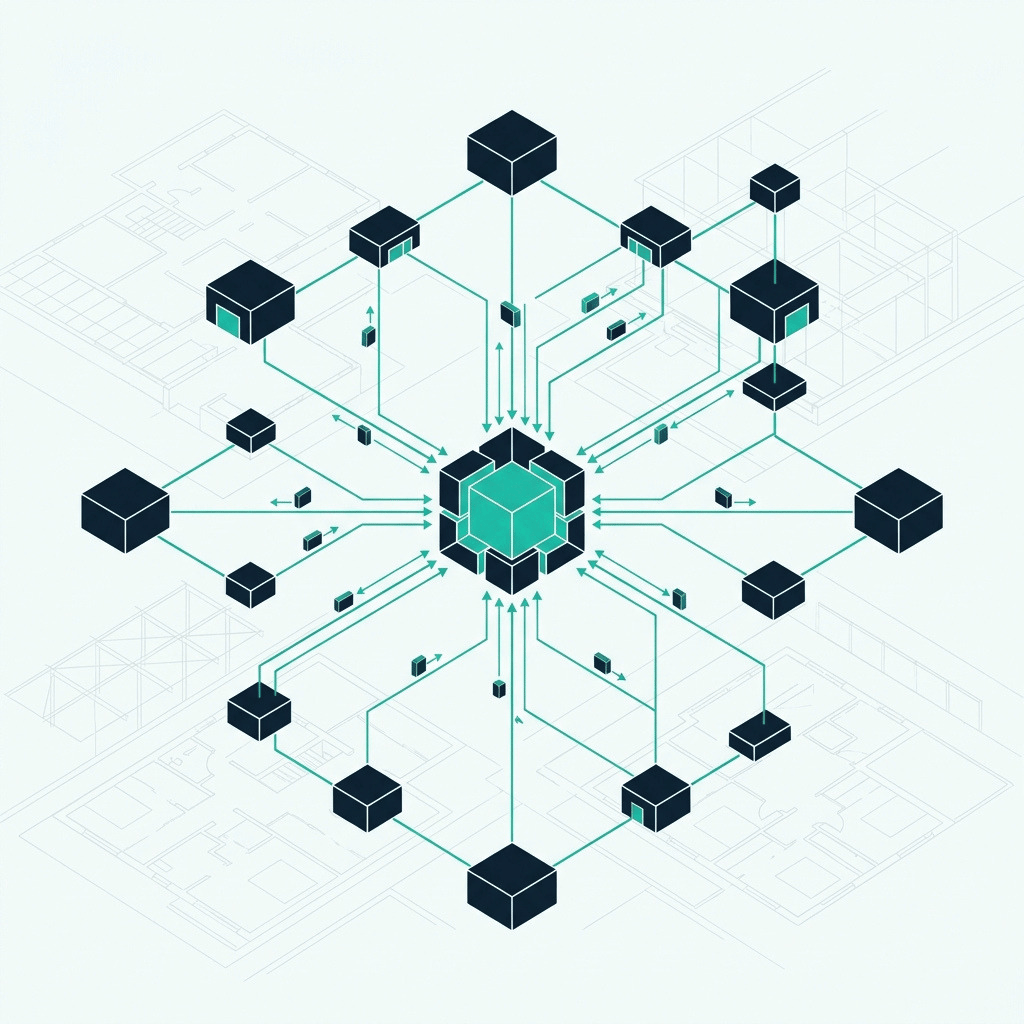
BIMcloud is the collaboration layer underneath Archicad. Teamwork is built into the application your team already uses; BIMcloud runs the project hub behind it. BIMx Pro carries the model to mobile, so reviews and questions happen at the construction site, not days later in the office. openBIM exchange (IFC, BCF, SAF) keeps engineers and contractors on other platforms coordinated without compromising your model. The BIMcloud API hosts anything else the project needs.
BIMcloud delivered well is the difference between a license your team uses and a license that becomes the way your team works. This is the part Graphisoft does not do. Four ways Nordic BIM Group keeps your BIMcloud rollout on track.
We help you choose between BIMcloud Basic, the full BIMcloud and BIMcloud SaaS in Archicad Collaborate, based on your team size, where your data needs to live and how you want to work. The right licence first, so you do not pay for a server you do not need or outgrow a version you just bought.
Outgrown Basic? We move your existing projects from the local server to BIMcloud SaaS or to your new full server. Reservations, attached libraries, hotlinks, BIMx links, and history. Nothing left behind. No disruption to the live project.
Teamwork is a workflow with rules. Our trainers teach your BIM managers how to lead it: setting reservations, managing permissions, resolving conflicts, structuring large projects. Trained teams use BIMcloud the way it was designed. Untrained teams use a fraction of it.
Support in English, Finnish, Norwegian, and Swedish. People who have spent decades inside Archicad answer questions that take other vendors three escalations. Same time zone, same standards, same regulations as your team.

SKiB campus

Flakstad Primary and Secondary School
Customer stories from across the Nordics.
Archicad Collaborate includes BIMcloud SaaS, plus BIMx Pro. Start a free trial, or talk to Nordic BIM Group about licensing and migration.
BIMcloud is Graphisoft's project hub for Archicad. It lets a team work on the same model in real time across offices, sites, and internet speeds. Three versions exist: BIMcloud Basic (free with every Archicad), BIMcloud (self-hosted full), and BIMcloud SaaS (cloud-hosted, included with Archicad Collaborate).
Yes. Archicad Collaborate bundles Archicad plus BIMcloud SaaS plus BIMx Pro. You get the full BIMcloud SaaS feature set, hosted by Graphisoft, with no server to run.
Yes and no. BIMcloud Basic is free and bundled with every Archicad license. It runs a single server, one Archicad version at a time, and skips the premium features. BIMcloud (full) and BIMcloud SaaS are paid. The SaaS path is bundled into Archicad Collaborate, so most customers buy it as part of that subscription, not as a separate line item.
Basic is the free, single-server version that ships with Archicad. BIMcloud (full) is the paid, self-hosted version with all premium features. BIMcloud SaaS is the same premium feature set hosted by Graphisoft, no server required, included in Archicad Collaborate. The comparison table in section 5 carries the row-by-row picture.
Both options exist. Most Nordic firms moving past Basic now choose Archicad Collaborate, which includes BIMcloud SaaS hosted by Graphisoft, so there is no server to run. Firms with specific data sovereignty needs run the full BIMcloud on their own server or with an IT provider. Nordic BIM Group helps you choose the right path and supplies the licence.
BIMcloud holds the master Archicad project. Each team member opens it, reserves the parts they need, and works locally. BIMcloud syncs only what changed (Delta technology), so even slow connections stay responsive. Reservations stop two people editing the same element. Built-in messaging keeps discussion inside the model.
BIMcloud SaaS includes Graphisoft-delivered multi-factor authentication and a secure password mandate. Backups, monitoring and access logs are built in. For self-hosted BIMcloud, security depends on how your IT team or provider configures the server.
They come with you. Nordic BIM Group handles the migration: reservations, libraries, hotlinks, BIMx links, and history. Live projects keep running. The migration window is planned around your team, not the other way around.
We advise you on the right licence and version, train your BIM managers on Teamwork, migrate you from older setups and support you in English, Finnish, Norwegian or Swedish. Graphisoft ships the software. Nordic BIM Group helps your team put it to work.