Photoreal rendering for SketchUp, Rhino, and other CAD tools. Sold and trained by Nordic BIM Group Finland, the local V-Ray reseller and training partner.

Mechelininkatu 23
ArchicadArchitecture
A real-time tool gets you most of the way to a client review. It does not get you to a hero image, a competition entry, or a sales brochure that has to read at print quality. V-Ray does.
Industry-standard photorealism for the moments that need it, with the rendering modes, simulation depth, and cloud capacity to handle scenes that would stall a single workstation.
Live previews are useful in design reviews. They are not the image you submit for a planning hearing or print at A0.


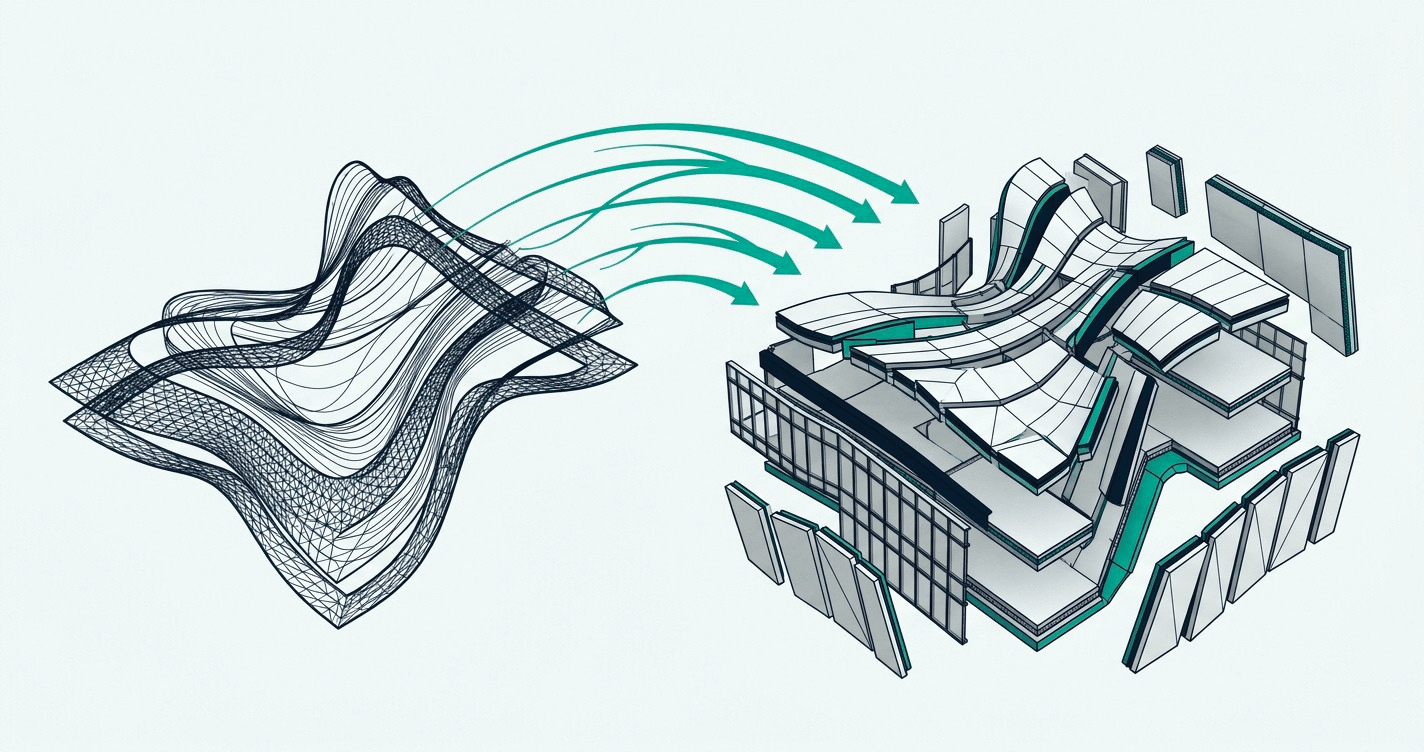
Work in the host CAD tool you already use. V-Ray installs as a plugin and appears inside the SketchUp or Rhino interface. The modelling workflow does not change.
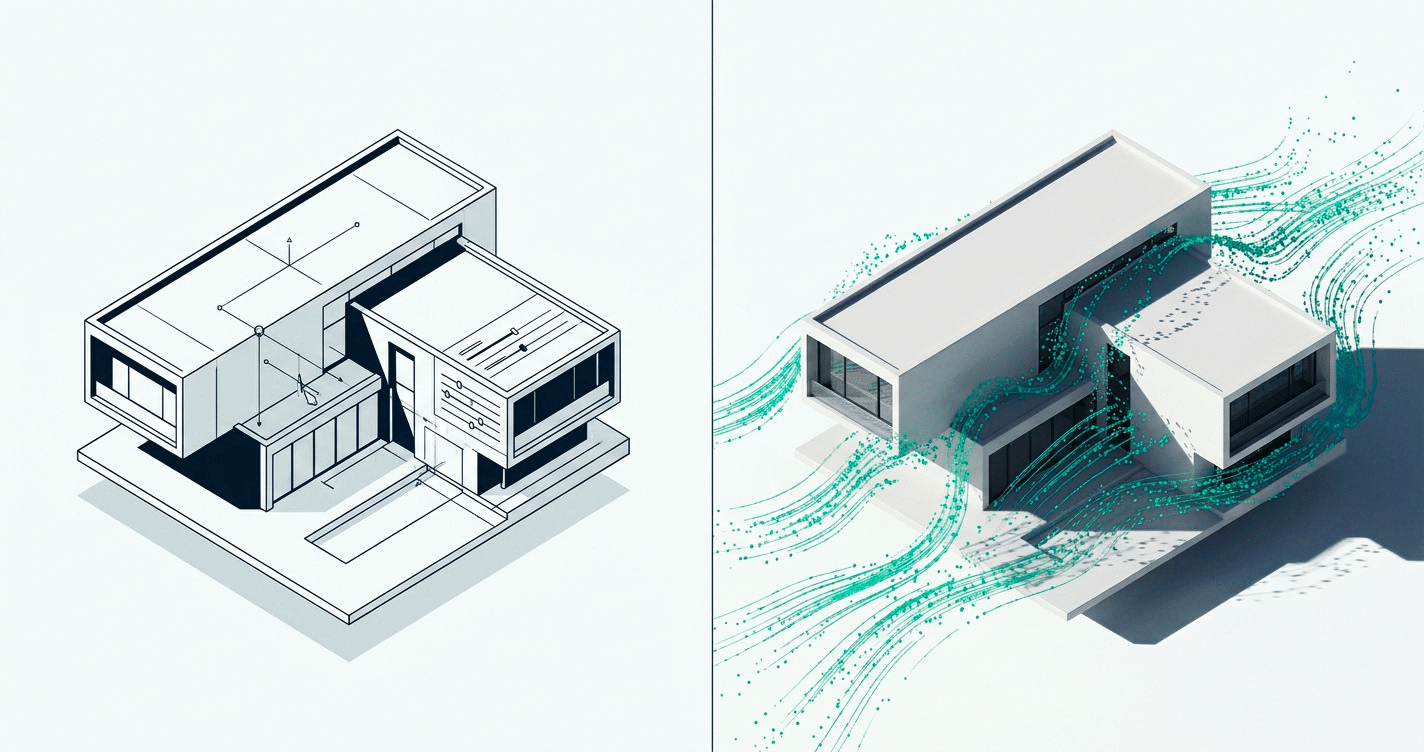
Set lighting, build materials, place Cosmos assets. V-Ray Vision gives you a real-time viewport while you work, so iteration runs at game-engine speed before you commit to a final render.
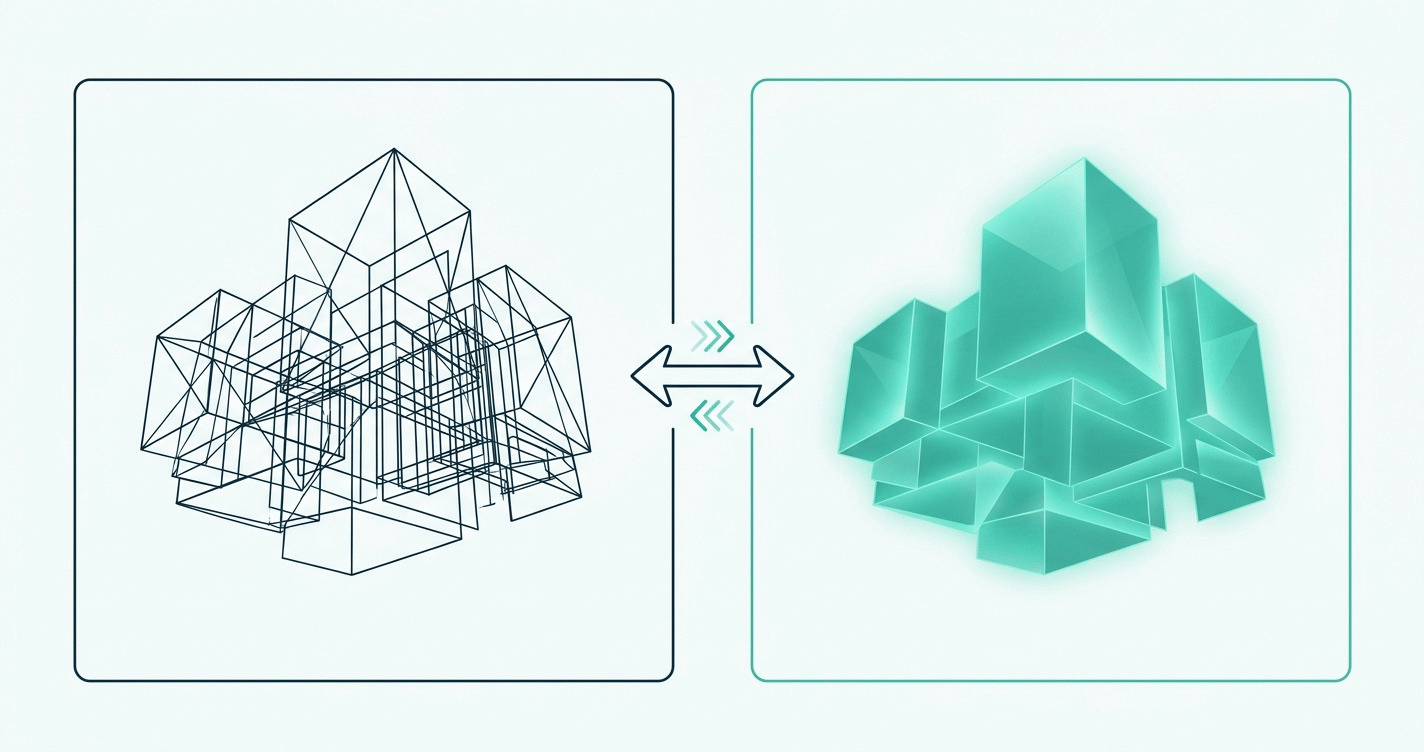
Render on one workstation, share the load across nodes for animation, or send the job to Chaos Cloud when the deadline is tight. One job, three rendering paths.
Physically based light and surface simulation. The same engine behind Emmy and Academy Award-winning work in film and architecture. Build the image, do not approximate it.
A real-time viewport inside V-Ray. Move through the scene, adjust light, swap materials, and see the result at game-engine speed before the final render.

Share render jobs across nodes on the network, or send to Chaos Cloud. CPU, GPU, or hybrid mode. Heavy scenes and animation work do not need a dedicated render farm.
Material Generator turns a surface photo into a render-ready material. AI Enhancer adds detail to people, foliage, and terrain. Upscaler doubles or quadruples render resolution in one click. AI Mood Match lights a scene from a reference image.
The common audiences sit across four groups: visualisation specialists and archviz studios producing hero stills and animations for client deliverables; architects and interior designers presenting work that has to read at print quality; industrial and product designers rendering products for marketing, packaging, and sales; and urban planners and landscape designers producing imagery for planning hearings and public consultations.
V-Ray works with 3ds Max, Blender, Cinema 4D, Revit, Rhino, and SketchUp.
Nordic BIM Group sells Rhino and SketchUp in Finland. The V-Ray licence is the same regardless of host CAD tool.

V-Ray installs as a plugin for SketchUp and as a plugin for Rhino. Each plugin runs inside the host CAD's familiar interface, with the same V-Ray engine, the same Cosmos library, and the same scene file format underneath.
The same V-Ray licence runs on 3ds Max, Blender, Cinema 4D, and Revit too. The licence is portable across host CAD tools. Nordic BIM Group sells V-Ray, SketchUp, and Rhino in Finland; the same Finnish team handles the modelling tool, the rendering engine, and the training behind both. No second vendor.
V-Ray does not work with Archicad. Archicad customers who want rendering inside their workflow have other paths, and the local Finnish team helps customers pick the right one.

Structured courses in Finnish, in person or via Teams. Fundamentals through to advanced lighting, materials, and animation. Run by the Nordic BIM Group Finland team.
Three V-Ray tiers, plus the V-Ray-versus-Enscape question. The Finnish team helps you pick the tier and the tool that fits the work before you subscribe.

Combined sessions for Finnish teams already on SketchUp or Rhino. Real host CAD models, real V-Ray renders, in the same workshop.

Finnish-language support from the people who sold you the licence. Behind it sits a 60-strong Nordic team with 30+ years in the industry.
Mechelininkatu 23

Tampere Art District
See how studios and design teams in Finland produce client-ready imagery on top of SketchUp and Rhino.