The only LCA software with two-way Archicad integration. Run carbon footprint calculations as you design. Get the results back inside the model, where the decisions are made.
Why LCA falls short of changing buildings
Most life-cycle assessment happens after the design is locked. A consultant runs the numbers, sends a report, and the building gets built the way it was already drawn. The carbon picture is academic by then.
Inside Anavitor LCA
.png?width=415&height=235&name=Anavitor-lca-two-way%20(415%20x%20235%20px).png)
Two-way Archicad integration
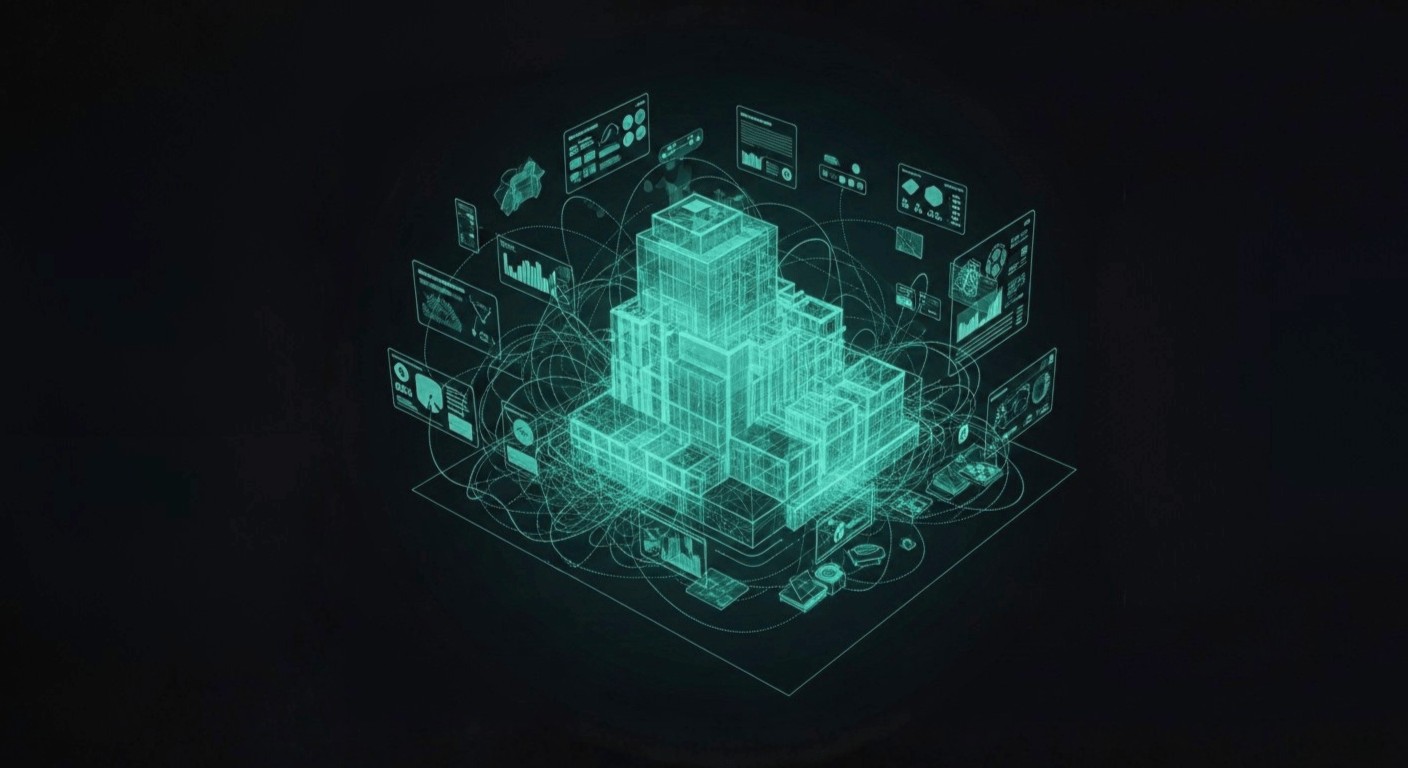
Anavitor LCA reads from your Archicad model and writes back to it. Change a building element and the carbon impact recalculates. No exports, no re-mapping.
LCA data mapping
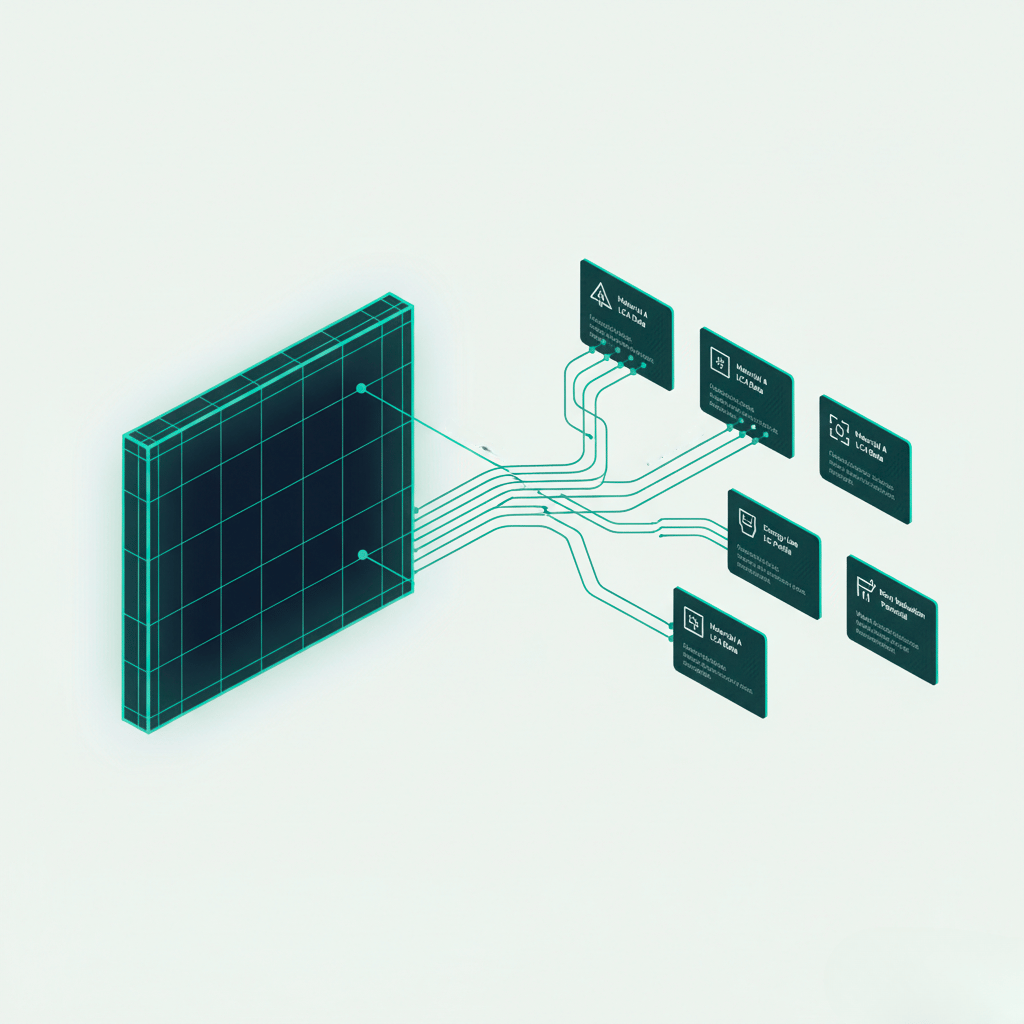
Anavitor LCA maps the right LCA data to each building element in your model. Draw on generic resources and over 150,000 Environmental Product Declarations from major Nordic and international databases, not EPDs alone. Search by name, registration number or supplier. The data attaches to elements directly.
Visualize LCA data in the BIM tool
Graphic Overrides color the Archicad model by GWP impact, so the heavy parts of the design show up in the same view you draw in. The LCA data lives in the model, not in a separate report.
What changes in your work
Design with carbon in view
Open Archicad. Build the model the way you always have. Anavitor LCA adds a carbon layer that updates as you change elements. The Graphic Override view colors the model by impact, so the heavy parts of the design show up before they are baked in.
Defendable LCA numbers
Every generic resource and EPD in the library is sourced from a recognised database with a conversion factor. The data sources are documented. The country-specific properties match local reporting standards. The number that comes out of Anavitor LCA stands up to scrutiny from the project owner, the planner or an auditor.
Hours back per project
Manual LCA work eats days. Exporting from BIM, mapping materials in a spreadsheet, running calculations in a separate tool, exporting results, comparing scenarios. Anavitor LCA collapses that loop. The model is the input, the mapping is automatic and the data is populated within your BIM model.
Compliant in Nordic markets
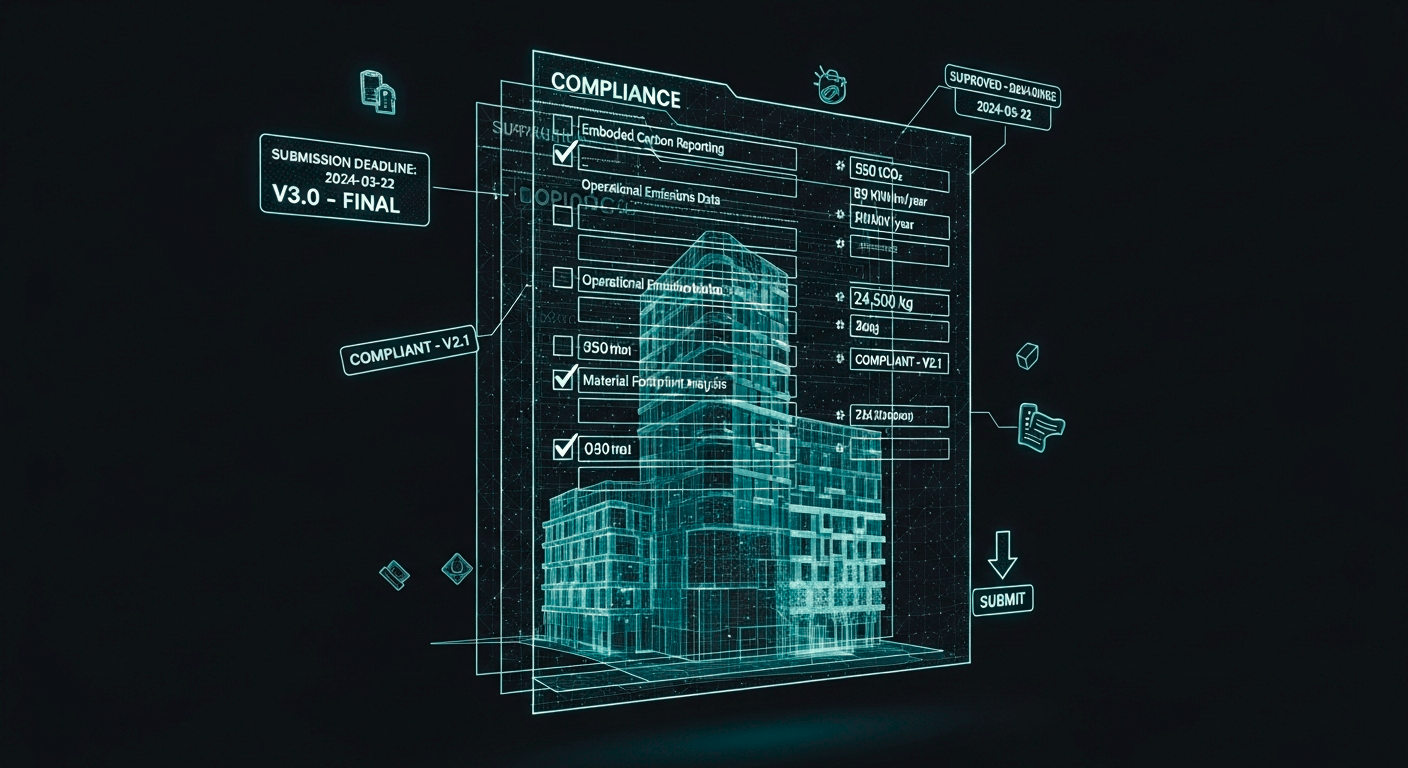
Finland, Norway, and Sweden each have their own LCA reporting requirements, classifications, and properties. Anavitor LCA carries the country-specific properties for all three. A Finnish project comes out in the format a Finnish planner expects. The same applies to Norway and Sweden.
Built by Nordic BIM Group's Development Center at Graphisoft Park
Anavitor LCA is our own software, developed by Nordic BIM Group's Development Center at Graphisoft Park in Budapest. The same team that builds products for Graphisoft partners around the world built Anavitor LCA.
The reason the two-way Archicad integration exists is that we built it ourselves, inside the platform, instead of bolting LCA on from outside.
Nordic BIM Group sells, trains on, implements and supports Anavitor LCA across Finland, Norway and Sweden. Customers get an LCA tool that works the way architects work, backed by a team that knows the platform from the inside.
Anavitor LCA inside Archicad
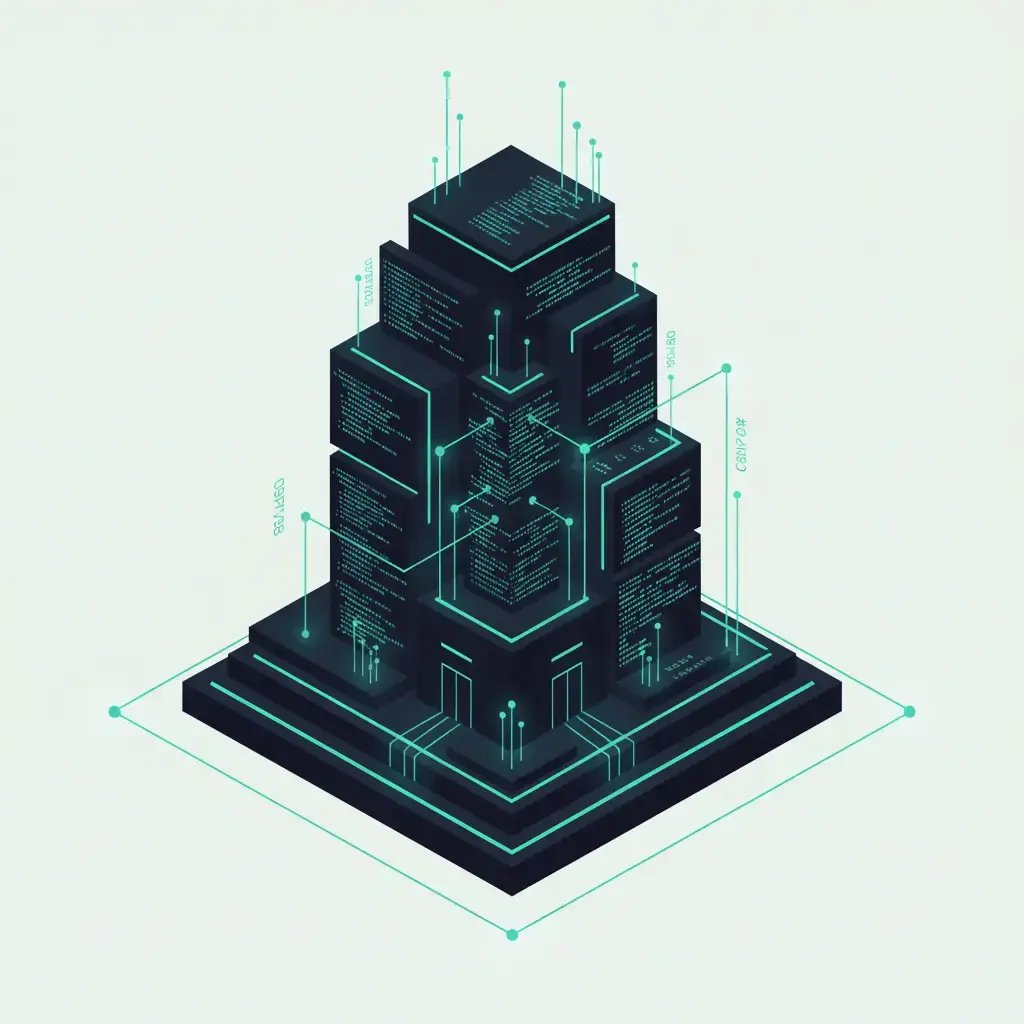
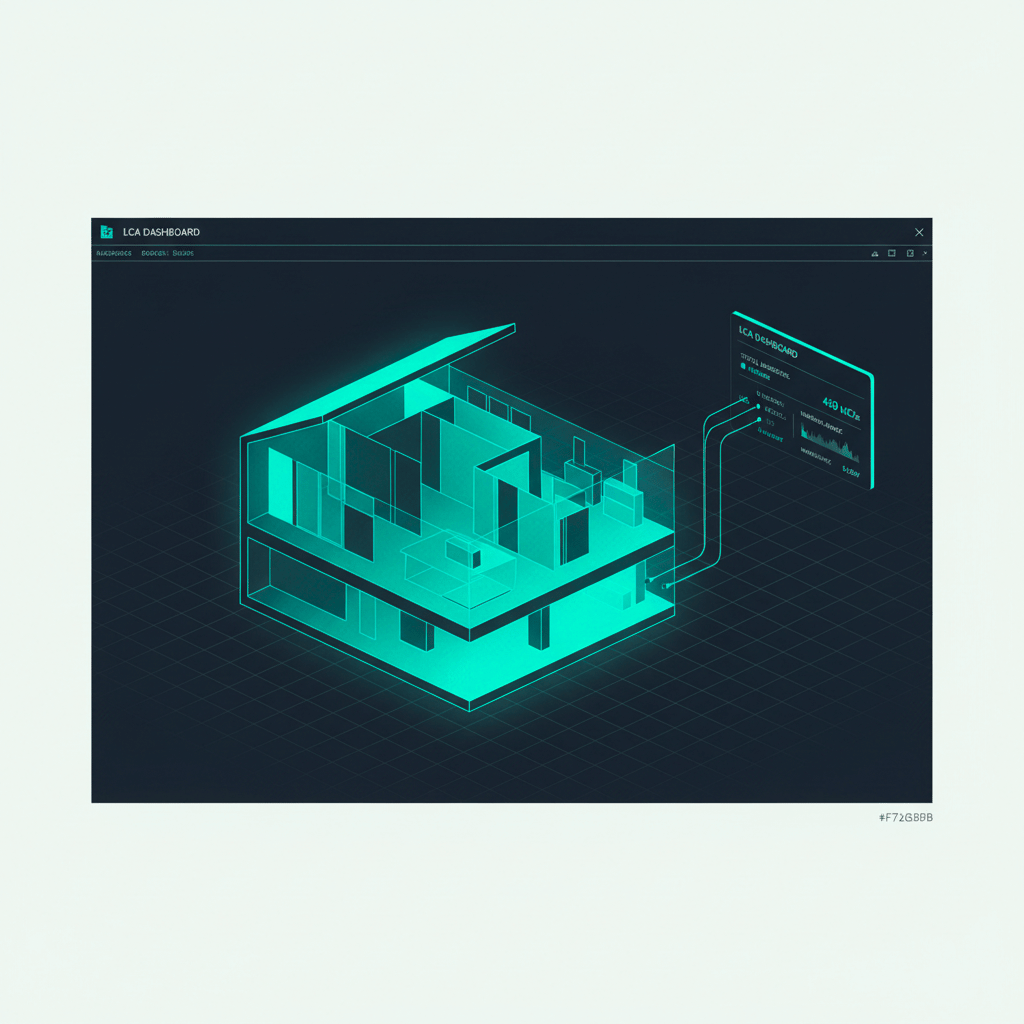
The integration is two-way. The most important LCA data flows from Anavitor LCA into the Archicad model, and changes to the model flow back into Anavitor LCA. Graphic Overrides color the model by GWP impact, so the heavy parts of the design show up in the same view you draw in.
Generic resources and EPDs attach to building elements directly, not to a separate spreadsheet. Change a wall thickness, swap a material, or move a slab, and the LCA dashboard updates as the model changes. The architect stays in Archicad. The carbon picture stays current.
Training and support in your language

LCA training
Nordic BIM Group runs LCA courses across the Nordics, in Finnish, Norwegian, and Swedish. Hands-on workshops, online classes, and structured learning paths for individual contributors and whole teams.

Local-language support
Support that answers in your language, on your time zone. Finnish-speaking support for Finnish customers, Norwegian for Norwegian, Swedish for Swedish. People who know the local LCA standards.
Implementation services
Implementation is part of how Anavitor LCA gets adopted. We set up the integration with your Archicad environment, configure recipes for your typical work, and train the people who use it daily.