![nordicbim_logo.png]](https://www.nordicbim.com/hs-fs/hubfs/Imported%20images/nordicbim_logo.png?height=40&name=nordicbim_logo.png)
The company administrator can access the Store from the Hamburger menu of the Graphisoft ID (GSID) company account, or from the front page of the company pages OR from this link.
When you move from the company account to the Store page, a new login is necessary. That is possible from the character icon or sign in button from the upper right corner of the pages.
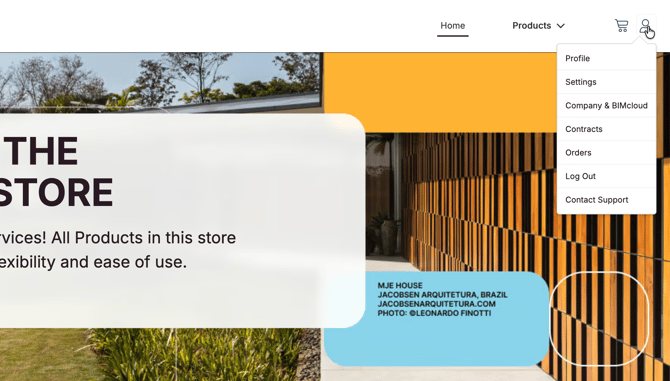
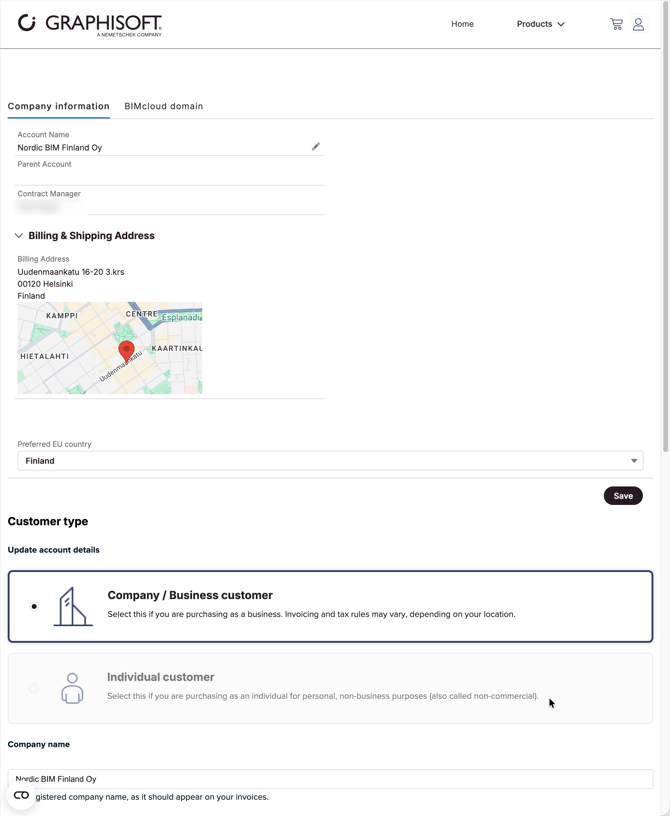
The name, address, client type and other necessary information can be updated on the Company and BIMcloud subpage (click the pen-icon).