![nordicbim_logo.png]](https://www.nordicbim.com/hs-fs/hubfs/Imported%20images/nordicbim_logo.png?height=40&name=nordicbim_logo.png)
Upload a license
- Open the Graphisoft/GS License Manager Tool and press continue
- Log in with your Graphisoft ID
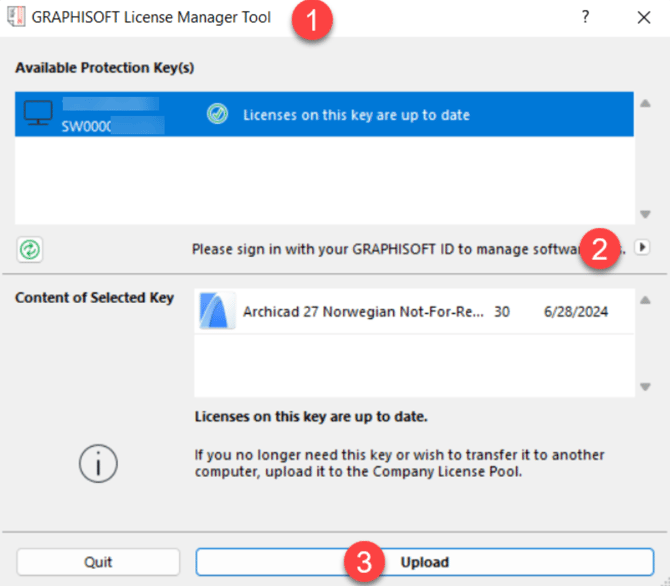
- Select the license in question and tap Upload
- The license is now uploaded to the
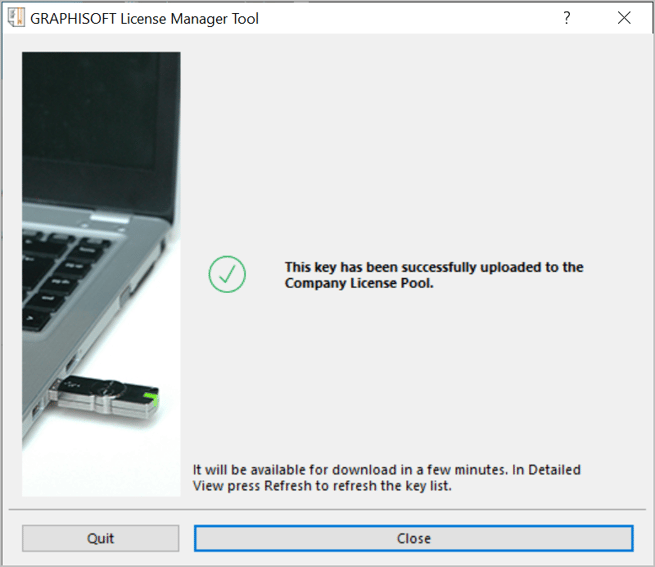
enterprise pool
Download a license
- Open the Graphisoft/GS License Manager Tool and press continue
- Log in with your Graphisoft ID
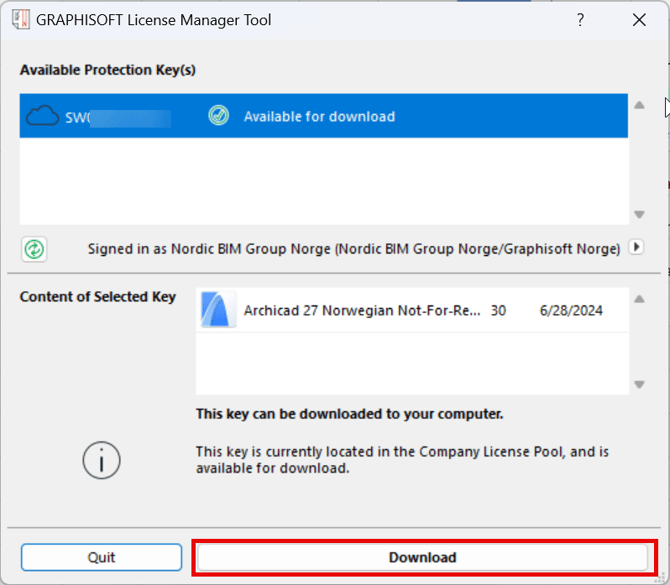
- Select the license in question andpress Download
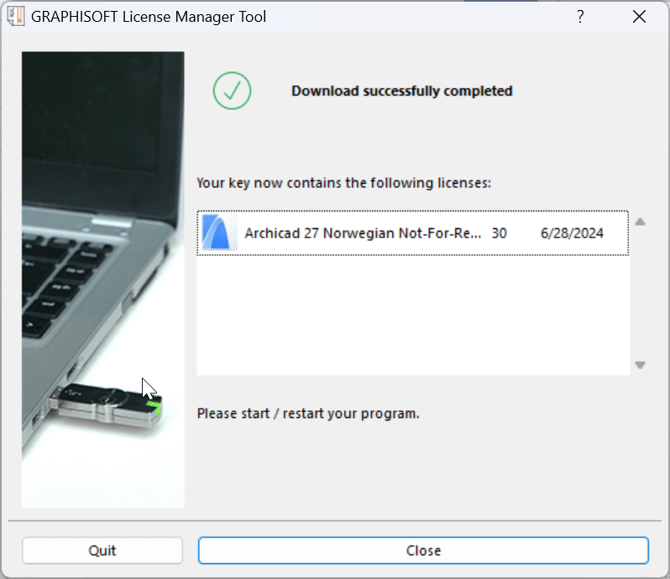
- The license is now downloaded on the machine and ready to use