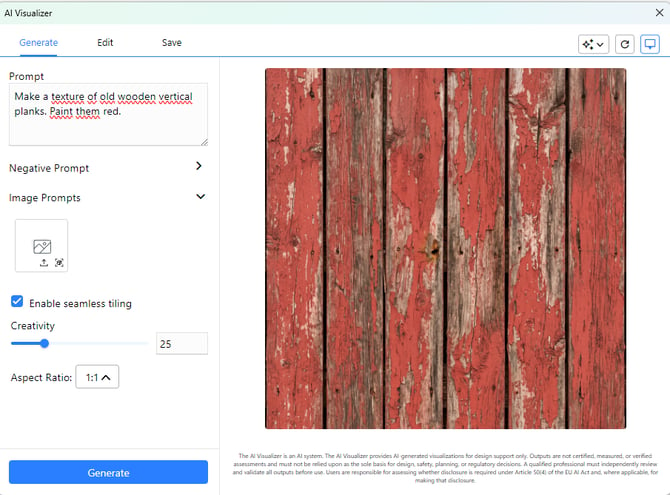
Sometimes you need a texture for an object or wall that isn’t available in Archicad. You may have a photo of the texture, but using it in a material can create visible seams where the image repeats. AI Visualizer offers a quick way to turn your photo into a seamless texture.
-
Go to Window / Palette / AI visualizer.
- Under Image prompts, click to import your photo.
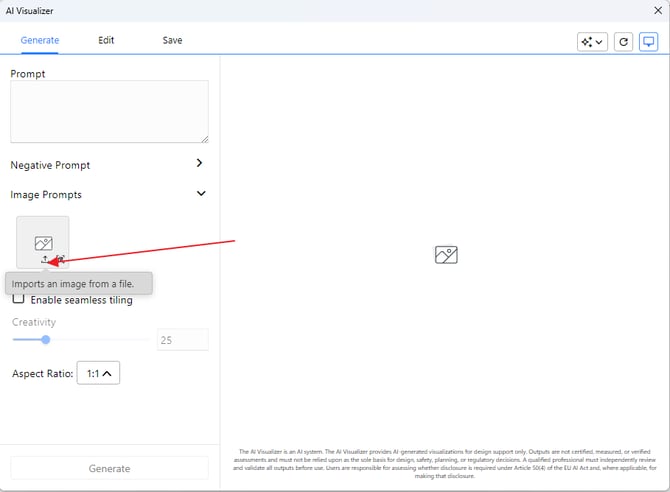
- Select the "Enable seamless tiling" checkbox and enter a short prompt. Then click Generate.
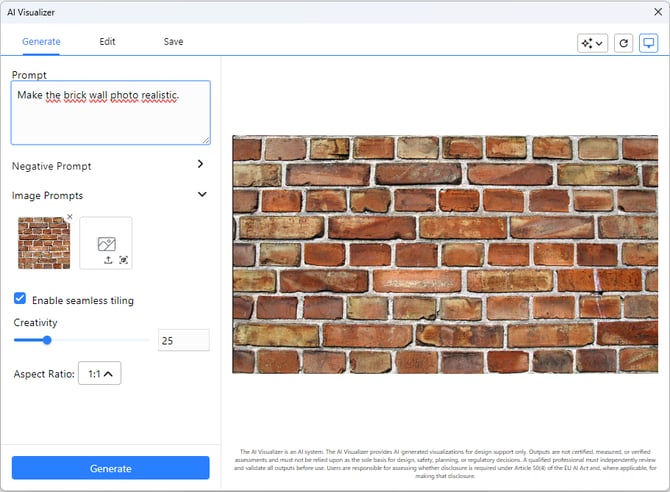
- When it is done, you can go to Save, and export your image.
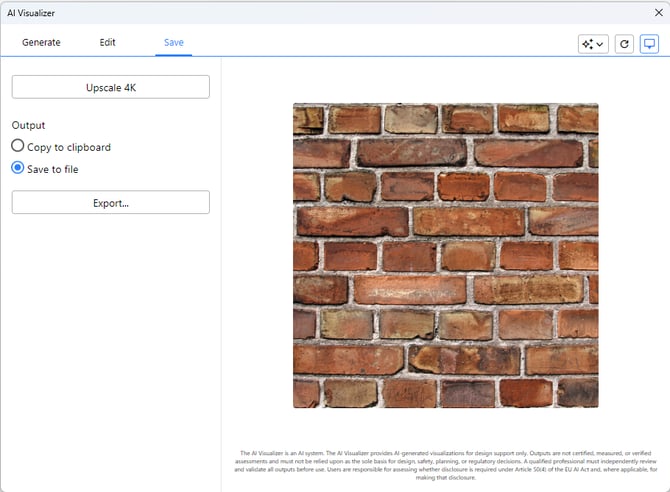
- Now you can use that texture in your materials.
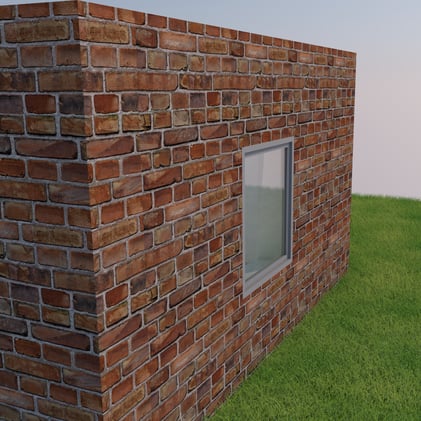
You can also generate a texture without an image prompt. Simply enter a text prompt describing the texture you want to create.